What Is a Phishing Scam? How to Spot and Avoid It
Phishing scams are one of the most common ways criminals steal money, passwords, and personal information from ordinary people every day. Knowing what is a phishing scam, technically called a phishing attack, is the first step toward protecting yourself. These scams don’t just arrive in your inbox. They come through text messages, phone calls, and social media too. The good news is that once you know what to look for, they become much easier to spot. This guide covers exactly what phishing is, how to recognize it across every channel, and what to do when you encounter it.
Table of Contents
- Key Takeaways
- What is a phishing scam, really?
- How to identify phishing: red flags to look for
- Phishing scam examples across every channel
- How to respond when you suspect a phishing message
- My honest take on phishing after years of watching it evolve
- Check any suspicious link, email, or number for free
- FAQ
Key Takeaways
| Point | Details |
|---|---|
| Phishing targets your info | Criminals impersonate trusted organizations to steal passwords, financial data, and personal details. |
| It arrives on multiple channels | Phishing comes via email, text, phone calls, and social media, not just your inbox. |
| Urgency is the main weapon | Scammers pressure you to act fast so you don’t stop to think critically. |
| “Did I initiate this?” is the key question | Unsolicited contact asking for data or a click should always be treated with suspicion. |
| Reporting protects everyone | Forwarding phishing attempts to official agencies helps take down scams faster. |
What is a phishing scam, really?
Phishing is a scam where criminals pretend to be a trusted company, government agency, or person to trick you into giving up sensitive information or money. The word “phishing” is a play on “fishing.” The scammer casts a convincing lure and waits for you to bite. The industry term for this is a phishing attack, and it falls under the broader category of social engineering, which means manipulating people rather than hacking systems.
The goal is almost always one of three things: steal your login credentials, get your financial details like credit card numbers or bank account info, or convince you to transfer money directly. Phishing is the most common form of social engineering scams today, and for good reason. It scales easily and exploits something no software patch can fix: human trust.
What makes phishing so effective is the psychological pressure baked into each message. Emails use phrases like “your account has been compromised” or “verify your payment within 24 hours” to push you into acting before you think. Urgency is the core weapon. When you’re scared your bank account is being drained, you click first and question later.
Here’s what phishers typically go after:
- Login credentials for email accounts, banks, or social media
- Credit card and bank account numbers
- Social Security numbers or government ID details
- One-time passwords for two-factor authentication
- Direct wire transfers, especially in business-targeted attacks
Pro Tip: The crafted stories in phishing messages are designed to feel personal and urgent. Pause before you act, even if the message looks completely legitimate.
How to identify phishing: red flags to look for
Recognizing a phishing attempt before you click anything is everything. The good news is that most attacks share the same set of warning signs once you know what to look for.
The most reliable filter isn’t “does this look real?” It’s a simpler question: did I initiate this contact? If a message arrives out of nowhere asking you to verify something, click a link, or hand over information, treat it as suspicious until proven otherwise. Scammers count on you assuming incoming messages are legitimate.
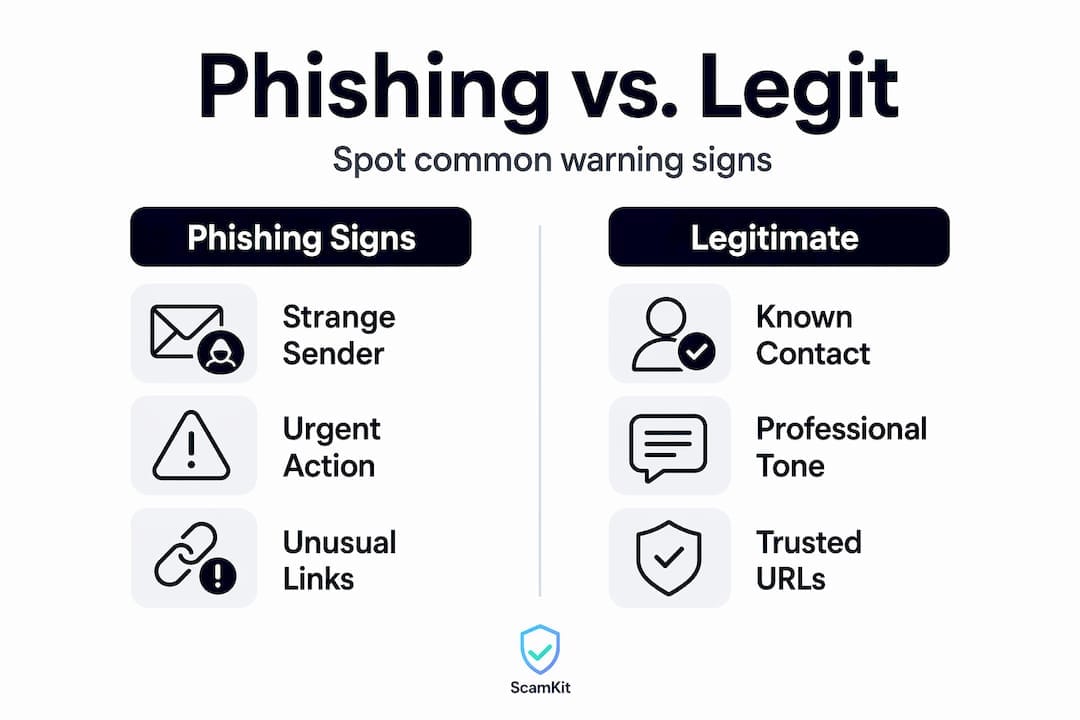
Here are the five most telling signs of phishing to check every time:
- The sender address looks off. Look past the display name. The actual email address might be something like support@paypa1-secure.net instead of paypal.com. One character changed is all it takes.
- The link doesn’t match where it says it goes. Hover over any link before clicking. If the URL looks strange, uses a misspelling of a real company’s name, or routes through a random domain, do not click it.
- It pressures you to act immediately. Phrases like “act now,” “your account will be closed,” or “limited time” are designed to stop you from thinking. Legitimate companies do not unexpectedly email you links to update payment info.
- It asks for information a real company wouldn’t need via message. Banks and government agencies will never ask for your password or full Social Security number through a text or email.
- There are unexpected attachments. A random PDF or ZIP file from an unknown sender is a classic delivery method for malware.
| Signal | Phishing attempt | Legitimate message |
|---|---|---|
| Sender address | Random domain, misspelled brand | Official company domain |
| Urgency level | Extreme, threatens consequences | Neutral, no deadline pressure |
| Links | Mismatched, shortened, suspicious | Match official website |
| Attachments | Unexpected files | Only when you requested them |
| Request type | Password, payment, personal data | General information or confirmation |
Pro Tip: Consistent verification habits across every channel matter more than knowing all the tricks. One simple habit, checking the actual sender address, will catch most phishing attempts before you get any further.
If something feels wrong, go directly to the company’s website by typing the address yourself. Never use contact details from inside the suspicious message itself. That’s the out-of-band verification approach, and using a trusted website or official number rather than any link in the message is your safest move.
For a deeper walkthrough, ScamKit’s guide on recognizing scam emails walks you through every red flag step by step.
Phishing scam examples across every channel
Phishing attacks don’t live in one place. Understanding the common types of phishing helps you stay alert wherever you communicate online.
-
Email phishing is still the most widespread. You might get a message that looks like it’s from your bank saying your account was accessed from a new device. There’s a big blue “Verify Now” button. The email looks professional. But the sender address has an extra character, and the link routes to a fake login page built to harvest your credentials. Email was the top contact method used by scammers in 2024.
-
Smishing is text message phishing. A typical smishing attack might say: “USPS: Your package has been held. Update your delivery address here: link].” These are especially effective because people tend to trust texts more than emails, and the short format makes it hard to spot inconsistencies. Learn how [email spoofing tactics carry over into text-based attacks too.
-
Vishing is voice phishing, which means a phone call. The caller claims to be from the IRS, Medicare, or your bank’s fraud department. They create urgency, sometimes faking hold music and professional scripts, to convince you to confirm personal information or stay on the line while you send a wire transfer.
-
Social media phishing comes through direct messages, fake profiles, or even compromised accounts of people you know. A message from a friend’s hacked account saying “I’m in trouble, can you send me some money via this link?” is a real scenario that catches people off guard precisely because the source seems trustworthy.
-
Quishing is an emerging threat that uses QR codes to deliver phishing links. Scammers place fake QR codes on parking meters, restaurant menus, or inside phishing emails. You scan the code, and your phone opens a malicious website. Scamkit has a detailed breakdown of QR code phishing and what to watch for.
How to respond when you suspect a phishing message
Recognizing a phishing attempt is only half the work. What you do next matters just as much for your own protection and for stopping the scam from reaching others.
- Do not click any links or open attachments. Even previewing certain attachments can trigger malware downloads on some devices.
- Do not reply. Responding confirms your number or email address is active, which leads to more targeting.
- Verify through a trusted source. If the message claims to be from your bank, call the number on the back of your card or visit the bank’s official website directly. Never use any contact info from inside the suspicious message.
- Report it. Forward phishing emails to the APWG at reportphishing@apwg.org and report it to the FTC at ReportFraud.ftc.gov. Reporting phishing attempts helps defenders share intelligence and speeds up takedowns, protecting other people who might receive the same message.
- Delete the message after reporting it so you’re not tempted to interact with it later.
- Strengthen your defenses. Use strong, unique passwords for every account, and turn on two-factor authentication wherever it’s available. Two-factor authentication means even if someone steals your password, they still can’t access your account without a second code.
Pro Tip: Update your software and apps regularly. Many phishing attacks deliver malware that exploits old security flaws. Keeping your devices updated is one of the simplest ways to stay safer, and it costs nothing.
For step-by-step guidance on the reporting process, check Scamkit’s full breakdown on how to report a scam.
My honest take on phishing after years of watching it evolve
I’ve spent a long time watching phishing attacks get better, not worse. What strikes me most is how rarely the technical side of phishing is the actual vulnerability. The email headers, the fake domains, the cloned login pages. None of that matters if the human on the receiving end is scared enough to act without thinking.
The uncomfortable truth is that even tech-savvy people get caught. I’ve seen security professionals fall for well-crafted vishing calls because the caller sounded like a legitimate IT helpdesk person. The attack was designed to exploit a professional habit, responding quickly to IT requests, not a knowledge gap.
What I’ve found actually works is shifting from “does this look real?” to “did I ask for this?” That single question change catches more phishing than any checklist. Disguise and storytelling are central to phishing precisely because they make the first question unreliable. Attackers are professional storytellers. The second question they can’t fake.
My practical advice: build a habit of pausing for 30 seconds before you click anything that arrived unsolicited. Use that pause to ask who sent it, why now, and what they’re asking for. Those three questions will stop most attacks cold.
. Isaiah
Check any suspicious link, email, or number for free
When you’re not sure whether a message is a scam, you don’t have to guess.
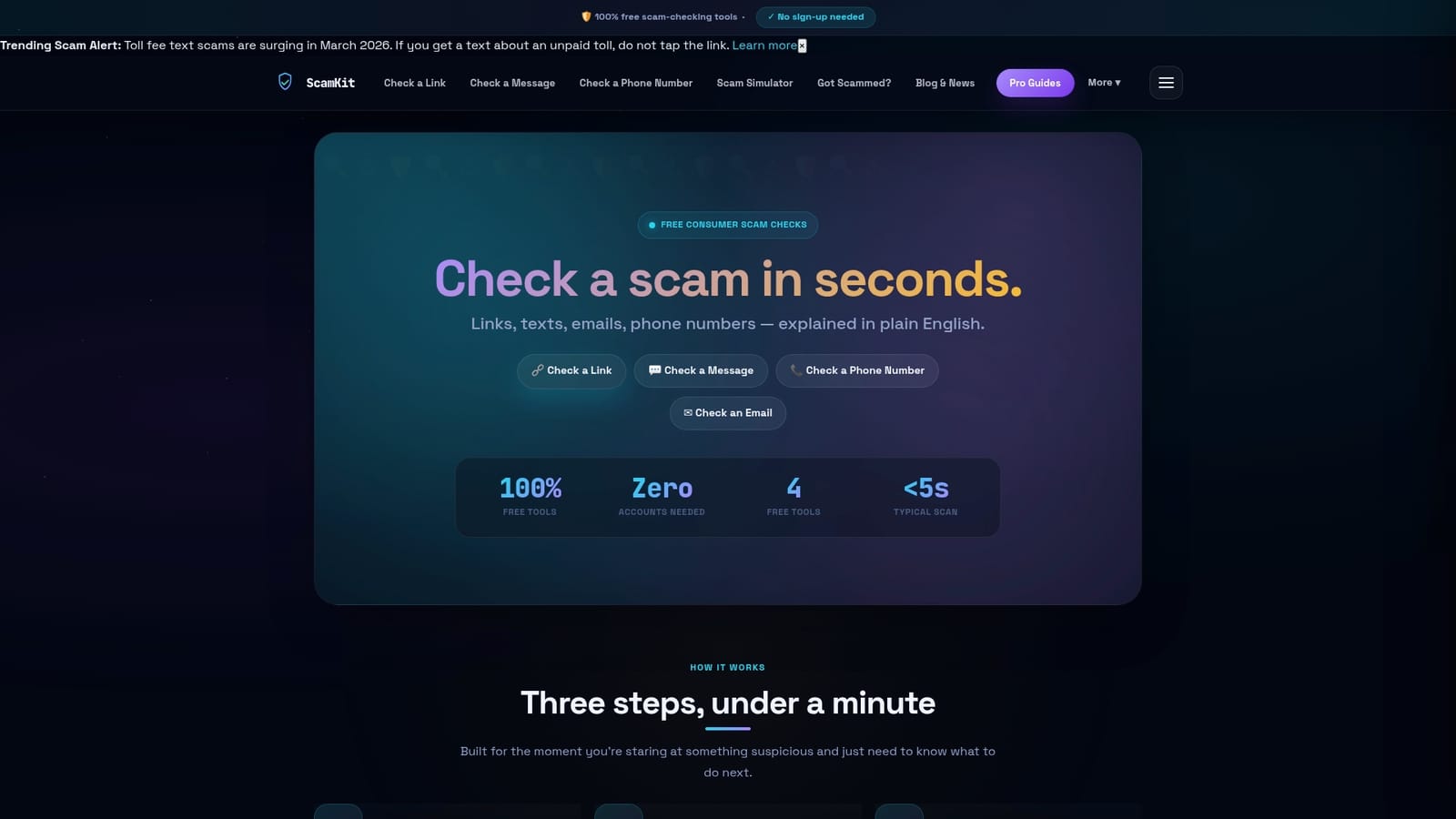
Scamkit is a free tool that checks suspicious links, emails, and phone numbers against trusted security databases including Google Safe Browsing, AlienVault OTX, and AbuseIPDB. You paste the content in, and within seconds you get a plain-English verdict and suggested next steps. No sign-up needed. The Scamkit link checker can tell you whether a URL is flagged before you ever open it. The email header analyzer helps you spot spoofed senders. The phone number lookup flags numbers tied to known scam operations. If something lands in your inbox or on your phone and feels off, run it through Scamkit first.
FAQ
What is a phishing attack in simple terms?
A phishing attack is when a scammer pretends to be a trusted organization to trick you into sharing passwords, financial details, or personal data. It’s a form of social engineering that relies on deception rather than hacking.
What are the most common signs of phishing?
The most common signs include unexpected urgency, a suspicious sender address, links that don’t match the company’s real website, and requests for sensitive information like passwords or payment details.
How do I identify phishing in a text message?
Look for unsolicited messages claiming to be from delivery services, banks, or government agencies that include a link and a reason to click fast. If you didn’t request anything, treat the message as suspicious and verify through the official organization’s website.
Can phishing happen on social media?
Yes. Social media phishing happens through direct messages, fake profiles, and compromised accounts. If someone you know sends an unusual message with a link or a money request, contact them through a separate channel to confirm it’s really them.
What should I do if I already clicked a phishing link?
Change your passwords immediately for any accounts that could be affected, especially email and banking. Run a security check on your device, enable two-factor authentication, and report the incident to the FTC at ReportFraud.ftc.gov.