How to recognize scam emails: a step-by-step safety guide
TL;DR:
- Scam emails now closely mimic legitimate ones using AI, making visual cues less reliable.
- Always verify suspicious emails by checking sender details and hovering over links before clicking.
- Using security tools like spam filters, 2FA, and domain authentication helps prevent scams effectively.
I first heard about a friend’s mom nearly sending $2,000 to a fake bank after clicking a convincing email link. The message looked completely real. Same logo, same formatting, same urgent tone. She had no idea until it was almost too late. Scam emails are getting harder to spot, and the stakes are high. The FBI reports that phishing and email scams cost Americans billions every year. Whether you’re protecting yourself, your kids, or your small business, this guide gives you clear, practical steps to catch scam emails before they catch you.
Table of Contents
- Common signs of scam emails
- Essential safety tools and preparation
- Step-by-step: How to verify a suspicious email
- Educating your family or team and ongoing vigilance
- Our perspective: Why scam awareness needs constant updating
- Next steps: Powerful tools for extra security
- Frequently asked questions
Key Takeaways
| Point | Details |
|---|---|
| Spot key red flags | Generic greetings, urgent threats, and mismatched links are major warning signs. |
| Prepare with the right tools | Spam filters, security software, and 2FA help block threats before they reach you. |
| Verify before you trust | Never click suspicious links, always check the sender and confirm via known channels. |
| Educate family and teams | Teach everyone to ‘pause and verify’, and use built-in reporting to stop scams together. |
| Stay vigilant against new tricks | AI makes scams smarter, so keep your knowledge and defenses up to date. |
Common signs of scam emails
Now that we understand why recognizing scams matters, let’s look at what makes a scam email stand out. The good news is that most scam emails still share common traits. Once you know what to look for, you’ll start noticing them quickly.
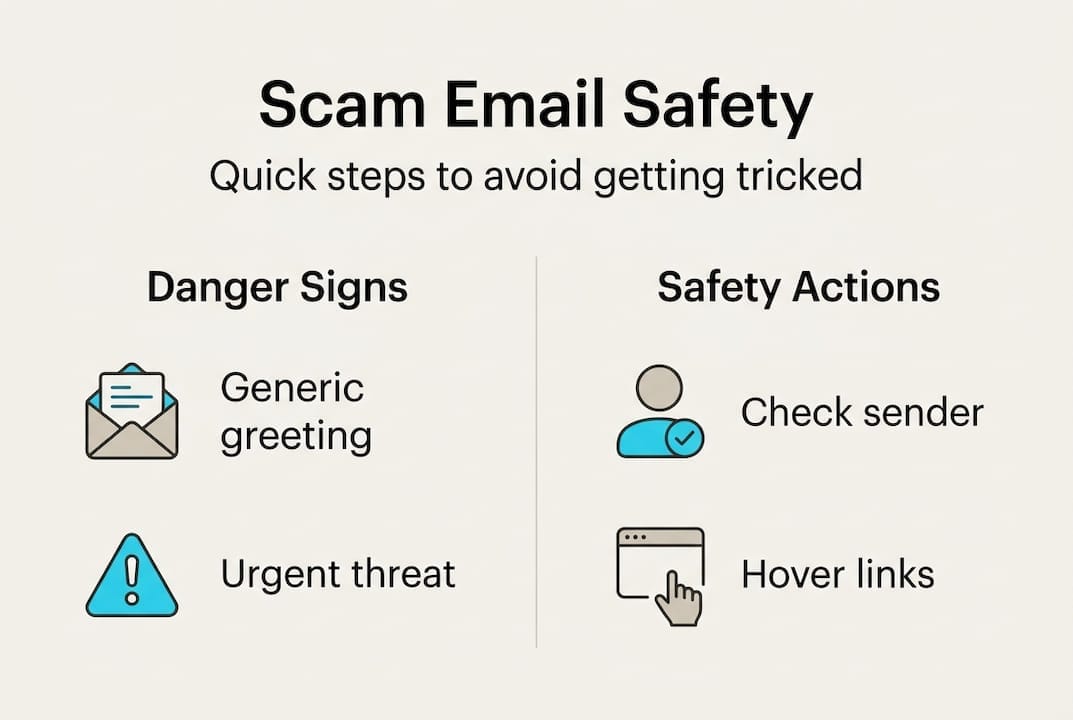
Common indicators of scam emails include generic greetings, urgent threats, grammar mistakes, mismatched sender domains, suspicious links, and unexpected requests. These are your first line of defense.
Here’s a quick checklist of red flags to watch for:
- Generic greetings like “Dear Customer” or “Dear User” instead of your actual name
- Urgent threats such as “Your account will be suspended in 24 hours” or “Immediate action required”
- Spelling and grammar errors, especially in official-looking messages
- Suspicious sender addresses that look almost right but aren’t (like support@paypa1.com instead of paypal.com)
- Unexpected attachments or requests to download files
- Requests for passwords, credit cards, or personal information
- Links that don’t match the official website when you hover over them
Hovering over a link before clicking it is one of the simplest and most powerful habits you can build. Your mouse cursor will reveal the actual destination URL at the bottom of your browser. If it looks off, trust that instinct.
For a deeper breakdown of spotting fakes, the guide on recognizing fake emails covers subtle tricks scammers use that most people miss. You can also browse real scam email examples to see exactly how these attacks look in practice.
Here’s a side-by-side comparison to make it crystal clear:
| Feature | Legitimate email | Scam email |
|---|---|---|
| Greeting | Uses your full name | “Dear Customer” or generic |
| Sender domain | Matches official site exactly | Slight misspelling or different domain |
| Links | Point to official URLs | Redirect to unknown or spoofed sites |
| Tone | Calm, informational | Urgent, threatening, or too good to be true |
| Attachments | Expected and relevant | Unexpected, asks you to enable macros |
| Request | Confirms existing info | Asks for passwords or payment |
Scammers rely on panic. The moment you feel rushed or scared by an email, slow down. That pressure is the trick.
Essential safety tools and preparation
Recognizing warning signs is just the start. Being prepared with the right tools makes threats much less serious. Think of this like locking your front door. You don’t wait for a break-in to install a lock.
Protection steps include using spam filters, verifying senders via official channels, enabling two-factor authentication (2FA), and updating security software regularly. These steps block most threats before they even reach you.
Here’s a summary of essential tools and settings to have in place:
| Tool or setting | Who it’s for | Why it matters |
|---|---|---|
| Spam filter | Everyone | Blocks most scam emails automatically |
| Two-factor authentication (2FA) | Everyone | Stops attackers even if they get your password |
| Updated antivirus software | Everyone | Catches malicious attachments and links |
| DMARC, SPF, DKIM | Small businesses | Prevents scammers from spoofing your domain |
| Family safety settings | Parents | Adds a layer of protection for kids and elderly relatives |
For small businesses, CISA recommends DMARC/SPF/DKIM as core email authentication tools. These standards verify that emails claiming to come from your domain are actually sent by you. Without them, scammers can impersonate your business and trick your customers.
For families, the guide on setting up family safety tools walks through simple steps to protect parents and older relatives who may be more vulnerable to email scams.
Pro Tip: Set a monthly reminder to check for security software updates. Outdated tools leave gaps that scammers are happy to exploit.
If you want a broader picture of staying safe online, the safer digital life tips guide covers everything from passwords to social media privacy in plain language.
- Enable 2FA on every account that offers it, especially email and banking
- Use a password manager to create and store strong, unique passwords
- Turn on automatic updates for your operating system and apps
- Never use public Wi-Fi to open sensitive emails without a VPN
Step-by-step: How to verify a suspicious email
Equipped with both recognition and preparation, it’s time to learn the exact steps to check any suspicious message. The goal is simple: never react in a panic. Always pause and verify.
Do not click links or attachments in suspicious emails. Verify the sender through official channels and use built-in reporting features if something seems wrong.
Follow these steps every time you receive an email that feels off:
- Don’t click anything. Not links, not images, not attachments. Not until you’ve completed the steps below.
- Check the sender’s email address. Look at the full address, not just the display name. Scammers often set the display name to “PayPal Support” while the actual address is something like noreply@paypa1-secure.net.
- Hover over every link. Move your cursor over any link in the email without clicking. Check the URL that appears in the bottom bar of your browser or email client.
- Search for the organization directly. Open a new browser tab and search for the company’s official website. Call their published customer service number if you’re unsure.
- Use a tool to analyze the link or email. Free tools can check if a URL is flagged as dangerous before you visit it. The phishing email analysis page walks you through what to look for in detail.
- Report it. If you confirm the email is a scam, use your email provider’s built-in “Report phishing” button. You can also report it to the FTC at reportfraud.ftc.gov.
“When something feels wrong, it usually is. Trust that feeling and verify before you act.” This mindset has prevented countless people from becoming victims.
AI increasingly defeats old-school tells like obvious misspellings, so prioritizing behavioral checks over surface-level signs is now critical. Ask yourself: Was I expecting this email? Does this request make sense? Would this company really ask for this information over email?
For more practical guidance, the scam avoidance best practices guide covers exactly how to build these habits into your daily routine.
Pro Tip: Create a “suspicious email” folder in your inbox. Move anything questionable there before deciding what to do. It prevents accidental clicks and gives you time to think clearly.
Educating your family or team and ongoing vigilance
Recognizing scam emails is a shared responsibility. One person on your team or in your family clicking the wrong link can affect everyone. The goal is to build a culture where everyone pauses before they act.
Teaching “pause and verify” to family members and teams, enabling safety tools, and using DMARC for small businesses are all key steps in group-level protection.
Here’s how to start spreading that knowledge:
- For families: Walk through a fake scam email together. Show kids and older relatives the red flags you’ve learned. Practice hovering over links so it becomes second nature.
- For small businesses: Run a phishing simulation. Send a fake test phishing email to your team and review the results. It sounds intense, but it works. Phishing simulations reduce click rates significantly in organizations that use them.
- For everyone: Create a simple rule: if an email asks you to take urgent action involving money or login details, always verify by phone or in person first.
“The most dangerous moment is when someone thinks they already know enough to be safe. Complacency is the scammer’s best tool.”
For parents looking to protect older relatives, the guide on helping parents and kids avoid scams has step-by-step setup instructions. If you want your team better prepared, tools for small business safety covers practical options built for non-technical users.
Pro Tip: Set a monthly “scam check-in” for your household or team. Share one new scam example, review the safety checklist, and remind everyone of the reporting process. Ten minutes a month can prevent real damage.
Staying current on evolving scam techniques matters too. Tactics shift constantly, and the common scam techniques guide is updated regularly with the latest methods attackers are using.
Our perspective: Why scam awareness needs constant updating
Here’s an uncomfortable truth: the tips that worked five years ago aren’t enough anymore. Scammers used to be easy to spot because of broken English, obvious fake logos, and clunky formatting. Those days are fading fast.
AI-generated scam emails now read like they were written by professional copywriters. They use your name, reference real recent events, and mimic official design with near-perfect accuracy. The old mental checklist of “does this look fake?” is no longer reliable on its own.
What this means is that behavioral awareness matters more than visual checks. Ask yourself whether the request makes sense in context, not just whether the email looks real. Scammers know how to make something look real. They can’t always control whether it feels logical.
The rise of AI-powered scams means that even tech-savvy people get fooled. The answer isn’t panic. It’s updating your habits regularly, sharing what you learn, and treating every unexpected request with healthy skepticism. Awareness isn’t a one-time thing. It’s an ongoing practice.
Next steps: Powerful tools for extra security
Staying scam-aware doesn’t mean you have to do it all alone. There are tools that make the process even simpler.
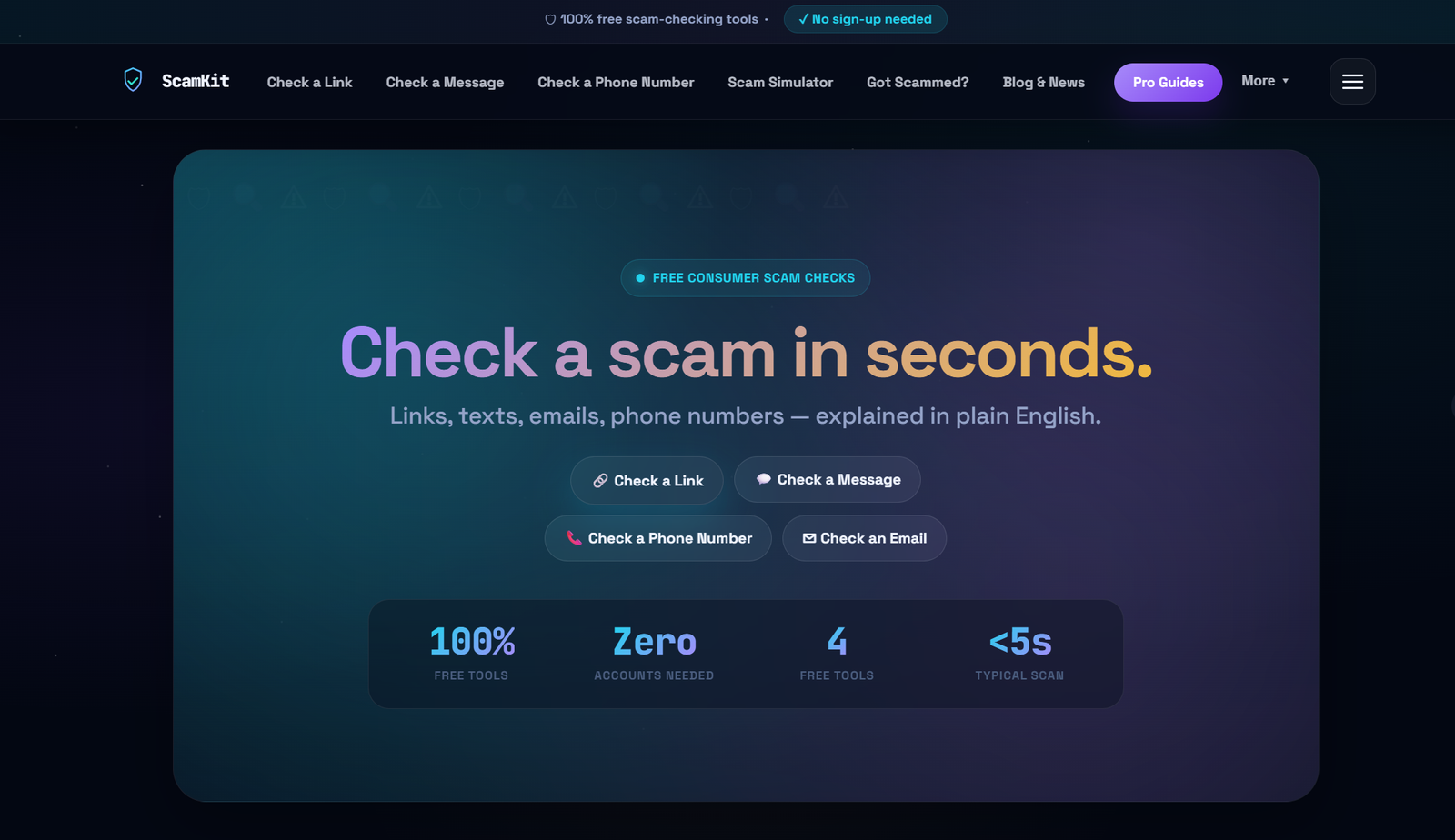
ScamKit offers free, easy-to-use tools that do the heavy lifting for you. You can check a suspicious link instantly without signing up or sharing personal information. The result tells you whether a URL is flagged as dangerous before you ever visit it. You can also analyze email headers to uncover who really sent a message, even when the display name looks legitimate. For businesses and families managing multiple people, protection for teams offers broader coverage. No technical expertise needed.
Frequently asked questions
What’s the easiest way to tell if an email is a scam?
Common indicators include generic greetings, urgent threats, spelling errors, and mismatched links or domains. Hovering over links before clicking reveals the real destination URL.
Should I use spam filters for all my email accounts?
Yes. Spam filters and updated security software block many scam emails before they reach your inbox, making them one of the most essential and low-effort protections available.
What do I do if I accidentally click a suspicious link in an email?
Immediately disconnect from the internet, run a security scan, and change your passwords. Taking immediate action after a suspicious click limits the damage significantly.
How can small businesses protect their email accounts?
Set up DMARC, SPF, and DKIM for email authentication, and run regular phishing simulations. CISA recommends these measures as foundational steps for any organization handling sensitive email communications.
Can AI-generated emails be spotted easily?
Not always. Behavioral checks are now critical because AI makes scam emails look genuine, so always follow multi-step verification before trusting any unexpected message asking for action.