Free Email Scam Checker Tool: Verify Emails Fast
You get an email from your “bank” asking you to verify your account. The sender looks real. The logo looks right. But something feels off. That gut feeling matters, and now you have tools to back it up. A free email scam checker tool can tell you in seconds whether that suspicious message is a phishing attempt or the real deal. This guide walks you through exactly how to use these tools, what to gather before you start, and how to make sense of the results so you can protect your personal information without any guesswork.
Table of Contents
- Key Takeaways
- What you need before using a free email scam checker tool
- How to check an email for fraud step by step
- Common mistakes when using email scam checkers
- How to read your results and what to do next
- My take on tools, trust, and staying sharp
- Check any suspicious email with Scamkit for free
- FAQ
Key Takeaways
| Point | Details |
|---|---|
| Gather info first | Collect the sender’s email address, headers, and any embedded links before running a check. |
| Layer your tools | Combine local heuristic tools with real-time threat databases for more reliable scam detection. |
| Scan all links | Use a phishing link scanner that follows redirect chains to catch hidden malicious URLs. |
| Understand results | A “safe” verdict does not mean zero risk. Cross-reference results and trust your instincts. |
| Report what you find | Flag confirmed scam emails to authorities and platforms to help protect others. |
What you need before using a free email scam checker tool
Before you paste anything into a checker, spend two minutes gathering the right information. Going in without the right data is like trying to identify a counterfeit bill without looking at the serial number.
Here is what to collect from the suspicious email:
- Sender’s full email address. Do not just look at the display name. Click to reveal the actual address. Scammers often use addresses like "support@paypa1-security.com` while the display name reads “PayPal Support.” That extra “1” in place of an “l” is a classic fake email trick.
- Email headers. These are hidden metadata blocks that show the real routing path of the message. Email headers provide key indicators used to detect spoofing or fraud attempts. In Gmail, click the three dots next to Reply and select “Show original.” In Outlook, go to File > Properties.
- Embedded links. Hover over any link in the email (without clicking) to see the actual URL. Copy it and save it. You will scan this separately.
- Subject line and body text. Copy only the plain text of the email. Avoid copying HTML or anything that could carry executable code.
- Any attachments listed. Note the file names but do not open or download them yet. Attachments are one of the most common ways malware gets onto your device.
Pro Tip: Never forward a suspicious email to a friend or family member to “show them” before verifying it. Forwarding can spread phishing links to others who may click them without knowing the context.
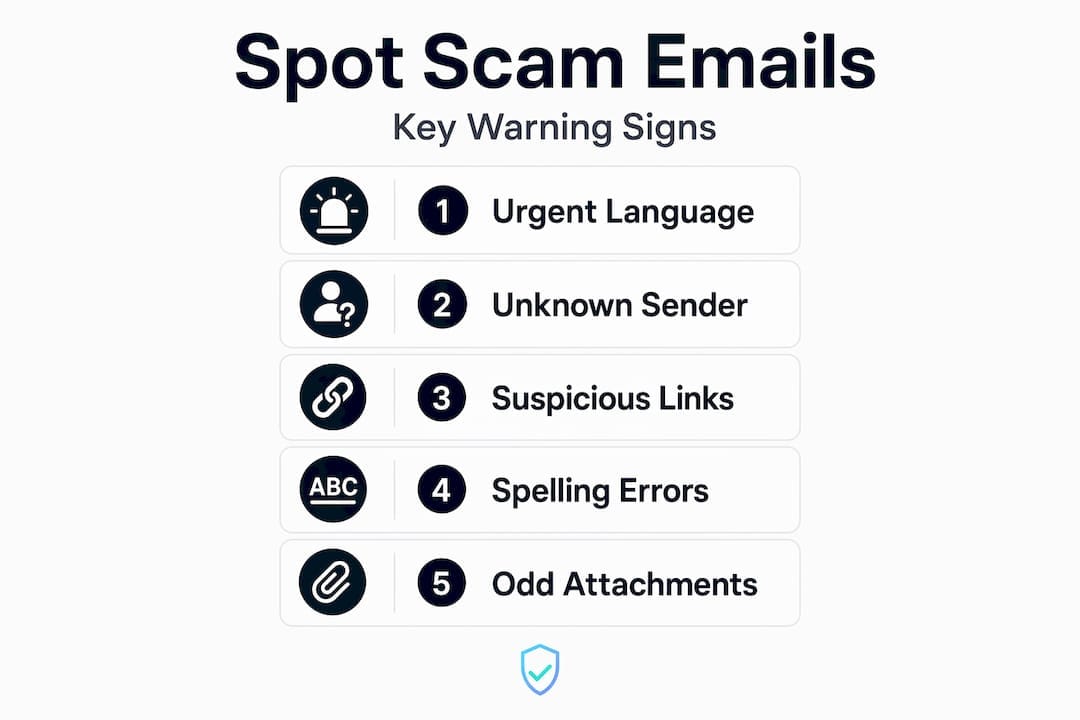
You should also know the basic warning signs before you check. Things like urgent language (“Your account will be closed in 24 hours”), requests for passwords, or offers that seem too-good-to-be-true are all red flags that should push you toward verification. Learn more about recognizing these signs in Scamkit’s step-by-step scam email guide.
How to check an email for fraud step by step
Once you have your information ready, follow these steps in order. Each layer adds another level of confidence to your verdict.
-
Check the email address format. Start simple. Does the domain match the company it claims to be from? A message from
amazon-support@gmail.comis not from Amazon. Legitimate companies use their own domains. You can also run the email address through a free email validation tool to confirm it is formatted correctly and the domain actually exists. -
Look up the domain’s reputation. Use a real-time threat intelligence database to check whether the sender’s domain has been flagged before. Tools that pull from feeds like Google Safe Browsing, AlienVault OTX, or AbuseIPDB give you a fast, data-backed verdict. Integrated scam detection tools helped users avoid over 19% of high-risk scams when they used real-time threat intelligence proactively.
-
Scan embedded links with a phishing link scanner. This step is critical. Paste any link from the email into a dedicated phishing URL scanner. Machine learning link checkers can distinguish safe from malicious links with over 90% accuracy. Do not stop at the surface URL. Almost 90% of phishing attacks now use open redirects to hide malicious destinations, so you need a scanner that follows the full redirect chain. Scamkit’s free URL checker is a good starting point for this.
-
Analyze the email headers for spoofing. Paste the full email header text into a header analyzer. You are looking for mismatches between the “From” address and the actual sending server, or signs that the message failed SPF, DKIM, or DMARC authentication checks. These three protocols are email security standards that verify whether the sending server is authorized to send on behalf of the domain. A failed check is a major red flag.
-
Use an AI-based analyzer for content review. AI tools can help identify manipulative language, pressure tactics, and unusual requests in email text. However, AI tools require human validation and do not replace dedicated security software. Use them as a supplement, not a final verdict. Copy only plain text into these tools.
| Step | Tool type | What you learn |
|---|---|---|
| Email address check | Format validator | Whether the domain exists and is correctly formatted |
| Domain reputation | Threat intelligence database | Whether the sender’s domain has a history of abuse |
| Link scan | Phishing URL scanner | Whether embedded URLs lead to malicious destinations |
| Header analysis | Header analyzer | Whether the email was spoofed or failed authentication |
| Content review | AI text analyzer | Whether the email language shows manipulation tactics |
Pro Tip: When scanning links, always use a checker that explicitly follows redirects. A URL shortener like bit.ly/xyz123 might look harmless but could redirect through five pages before landing on a fake login site. Redirect chain analysis is critical to catching these hidden threats.
Common mistakes when using email scam checkers
Using a free email scam checker tool is smart. Using it carelessly can give you false confidence. Here are the most common pitfalls to avoid.
- Relying on a single tool. No tool is perfect. Local heuristic tools offer privacy because they analyze data on your device without contacting external servers, but they can miss emerging threats that only appear in real-time threat databases. Think of a local checker as a first pass, not a final answer.
- Ignoring redirect chains. If you scan only the visible URL without following its redirect path, you can miss the actual malicious destination entirely. Local heuristic-only checkers may not follow full redirect chains, which is why pairing them with server-side scanners matters.
- Uploading attachments or full email files to AI tools. This can expose your device or the tool’s server to embedded malware. Copying only plain text into AI analyzers is the safer approach. Never upload .eml files, .msg files, or any attachment you have not verified.
- Treating a “clean” result as absolute. Scammers constantly adapt. A domain registered yesterday may not yet appear in any threat database. A clean result means low known risk, not zero risk.
- Skipping header analysis. Most people check the link and stop there. Email headers tell a richer story about where the message actually came from, and spoofed headers are one of the most reliable indicators of fraud.
Remember: Scam detection tools work best as part of a layered defense. Use at least two different tools from different sources before concluding that an email is safe. Human judgment is still the last and most important filter.
For a deeper look at why link verification matters in this process, Scamkit’s article on why link checking matters gives useful context.
How to read your results and what to do next
You have run the checks. Now you need to know what the results actually mean and what to do with them.
-
“Safe” or “No threats detected.” This means the tool found no known indicators of risk in its current database. Do not click anything yet if you still feel something is off. Trust your instincts alongside the tool result. Check the email address manually one more time and verify through the official company website if needed.
-
“Suspicious” or “Low confidence.” This is a yellow-flag result. The tool found some characteristics associated with scam content but nothing definitive. Do not click any links. Do not reply. Run the same email or URL through a second tool using a different database for comparison.
-
“Malicious,” “Phishing detected,” or “High risk.” Stop immediately. Do not click anything, reply, or download attachments. Mark the email as phishing in your email client. Most email providers like Gmail and Outlook have a built-in “Report phishing” button.
-
Report it. Forward phishing emails to the Anti-Phishing Working Group at
reportphishing@apwg.org. In the US, you can also report to the Federal Trade Commission atreportfraud.ftc.gov. If the email impersonates a real company, notify that company’s security or fraud team directly. -
Secure your accounts if you already clicked. If you clicked a link or entered any information before checking, act fast. Change passwords for any affected accounts, enable two-factor authentication, and monitor your bank statements and credit report for unusual activity. Contact your bank immediately if financial information was involved.
Staying safe after the check matters just as much as the check itself. Make a habit of verifying suspicious emails before engaging, and encourage people around you, especially older family members, to do the same. Scamkit’s guide on email scam detection for families offers practical steps worth sharing.
My take on tools, trust, and staying sharp
I’ve reviewed a lot of suspicious emails over the years, and the pattern I see most often is not that people are careless. It’s that they place too much trust in one tool and stop thinking critically the moment it says “safe.”
In my experience, the best approach treats tools as advisors, not oracles. I’ve seen emails that cleared every automated check but contained social engineering so subtle it would fool most people on a busy day. A link to a real website, followed by a request to “verify your details” over the phone? That’s a scam no scanner will catch.
What I’ve found actually works is the combination of habit and tools together. You check the domain. You scan the link. You read the header. And then you pause for ten seconds and ask: does this email make sense for me to receive right now? Is there any reason my bank would contact me this way?
The misconception I hear constantly is that having a free phishing checker installed means you’re protected. You’re not protected. You’re better informed. There’s a real difference. Tools give you data. Your judgment turns that data into a decision.
The scammers are getting smarter. AI is helping them write more convincing emails, use better logos, and personalize attacks using data from previous breaches. The only counter to that evolution is staying informed and staying skeptical, especially when an email creates urgency or asks for something personal.
Use the tools. But keep thinking.
. Isaiah
Check any suspicious email with Scamkit for free
When you want a fast, reliable second opinion on a suspicious email, Scamkit is built exactly for that.
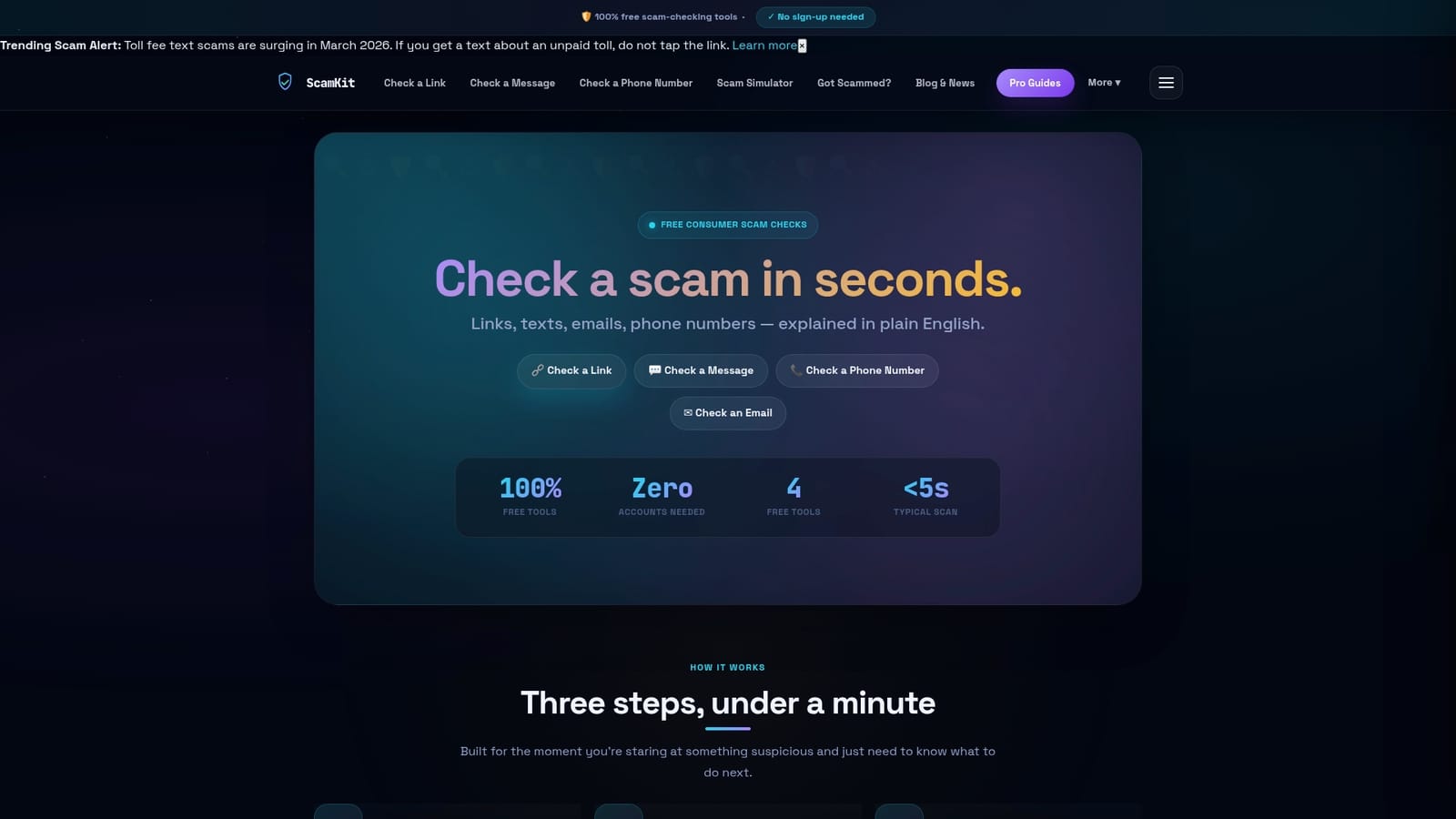
Scamkit’s free multi-source scam checker pulls from trusted security databases including Google Safe Browsing, AlienVault OTX, and AbuseIPDB to give you a plain-English verdict in seconds. There is no sign-up required and no technical knowledge needed. You can use the dedicated email header analyzer to spot spoofed senders, or run any suspicious URL through the link scanner to check where it actually leads. Each tool delivers a clear risk assessment alongside suggested next steps so you always know exactly what to do. Make Scamkit part of your regular email routine and stop guessing when something looks wrong.
FAQ
What is a free email scam checker tool?
A free email scam checker tool is an online service that lets you verify whether an email or its embedded links are associated with phishing, fraud, or scam activity. It typically checks sender domain reputation, link destinations, and email header data against security databases.
How do I check an email for fraud without clicking anything?
Copy the sender’s email address and any visible links, then paste them into a scam detection or phishing URL scanner. Use a separate email header analyzer to check the routing path for signs of spoofing, all without opening any attachment or clicking any link in the original email.
Can I trust a “safe” result from a free phishing checker?
A safe result means no known threats were found in that tool’s database at that moment. It does not guarantee the email is legitimate. Heuristic-based tools should always be paired with real-time threat intelligence databases for a more reliable verdict.
What should I do if an email is flagged as a scam?
Do not click any links or reply to the email. Mark it as phishing in your email client, report it to the Anti-Phishing Working Group at reportphishing@apwg.org, and delete it. If you already interacted with the email, change your passwords and contact your bank immediately.
Is it safe to paste email content into an online analyzer?
Yes, as long as you copy only the plain text of the email. Plain text analysis is safer than uploading full email files or attachments, which can expose analyzers to embedded malware or executable code.