How to detect email scams: practical steps for families
TL;DR:
- AI-generated emails are now highly convincing, personalized, and difficult to detect as scams.
- Protect yourself by verifying sender addresses, inspecting links, enabling two-factor authentication, and educating your household.
- Use tools like ScamKit to analyze links and email headers quickly, strengthening household cybersecurity defenses.
My aunt nearly wired $2,400 to a scammer last spring. The email looked exactly like one from her credit union, complete with the right logo, a professional greeting, and her actual name. She almost clicked the link before her daughter caught it. If a careful, experienced adult nearly fell for it, that tells you everything about how convincing scam emails have become in 2026. This guide walks you through every step you need to spot these attacks fast, protect your household, and feel confident the next time something suspicious lands in your inbox.
Table of Contents
- Understand the risks: Why email scams are harder to spot now
- Prepare: Essential tools and habits every household needs
- Step-by-step: How to detect a scam email in minutes
- Shields up: Common red flags and new tricks to watch for in 2026
- A reality check: What most email scam guides get wrong
- Take the next step with ScamKit’s scam detection tools
- Frequently asked questions
Key Takeaways
| Point | Details |
|---|---|
| AI-driven risks rising | Sophisticated scam emails now use AI, making detection by grammar or language mistakes unreliable. |
| Step-by-step detection | Checking sender info, inspecting links, and verifying requests independently greatly reduce scam risk. |
| Every family is a target | Scam tactics exploit both kids and older adults, so shared habits and education keep households safer. |
| Use technology & reporting | Leverage spam filters, two-factor authentication, and report suspicious emails to strengthen protections. |
| Red flags keep evolving | Quishing, fake QR codes, and AI impersonation require updated awareness and vigilance in 2026. |
Understand the risks: Why email scams are harder to spot now
Not long ago, you could spot a scam email by its broken English, misspelled words, or obviously fake logo. Those days are mostly gone. Today’s scammers use tools that were not available even three years ago, and the results are chilling.
Artificial intelligence has changed the game completely. Scammers now use AI to write perfect, fluent emails that match the tone of real companies. They personalize messages with your name, your city, or even the name of a service you actually use. According to the 2026 Email Threat Research Report, AI-generated phishing emails are significantly harder to detect because they use perfect grammar, feel personalized, and bypass filters designed to catch obvious fakes. The same report flags the sharp rise in voicemail and callback lures, where scammers leave fake voicemails or ask you to call a number instead of clicking a link.
Two other threats are growing fast right now:
- Quishing: This is QR code phishing. Scammers embed a QR code in an email instead of a clickable link. Traditional spam filters scan text and URLs, but they often cannot read what a QR code points to. You scan it, and your phone opens a malicious site. Read more about QR code scam trends to understand how widespread this has become.
- AI voice cloning: Some blended attacks combine a scam email with a follow-up phone call, where a cloned voice impersonates someone you trust. Learn how AI voice cloning scams work so your whole family knows what to watch for.
Here is a quick snapshot of how the threat landscape has shifted:
| Scam tactic | Was detectable by | Now requires |
|---|---|---|
| Classic phishing | Spelling and grammar checks | Domain and header verification |
| Link-based attacks | Hovering over URLs | Full URL inspection and link scanners |
| QR code phishing | Not common before | Avoiding unexpected QR codes entirely |
| AI-personalized emails | Checking for generic greetings | Cross-checking sender domain and context |
| Callback/voicemail lures | Recognizing suspicious links | Ignoring unverified callback instructions |
The bottom line is this: if you are relying only on your gut or looking for obvious typos, you are already behind. Scam emails today look like the real thing. That means you need a process, not just intuition.
Prepare: Essential tools and habits every household needs
Knowing how scams operate, you can proactively set up defenses and routines that make you a harder target. Think of this as locking your doors before there is any sign of trouble.
Set up your email filters properly. Most people use Gmail or Outlook without ever touching the security settings. Both platforms have built-in spam filters, phishing warnings, and report buttons that help train the system when something slips through. The FTC recommends using these report features actively, and forwarding suspicious emails to reportphishing@apwg.org to help watchdogs track new threats. Get comfortable with spotting fake emails so you can use these tools with confidence.
Enable two-factor authentication (2FA) everywhere you can. Two-factor authentication means that even if a scammer gets your password, they still cannot access your account without a second code sent to your phone or app. Set this up for your email, bank accounts, and any account that stores personal or financial information.
Keep everything updated. Outdated browsers and apps have security holes that scammers actively exploit. Turn on automatic updates for your phone, computer, and key apps. It takes two minutes and closes doors you did not even know were open.
Here is a household protection comparison to help you prioritize:
| Protection layer | Effort required | Risk it reduces |
|---|---|---|
| Spam filters (active) | Low | Reduces obvious phishing volume |
| 2FA on key accounts | Low to medium | Blocks unauthorized access even if scammed |
| Software/browser updates | Very low (automatic) | Patches known security vulnerabilities |
| Password manager | Medium | Prevents password reuse and weak passwords |
| Family scam education | Ongoing | Reduces risk from all household members |
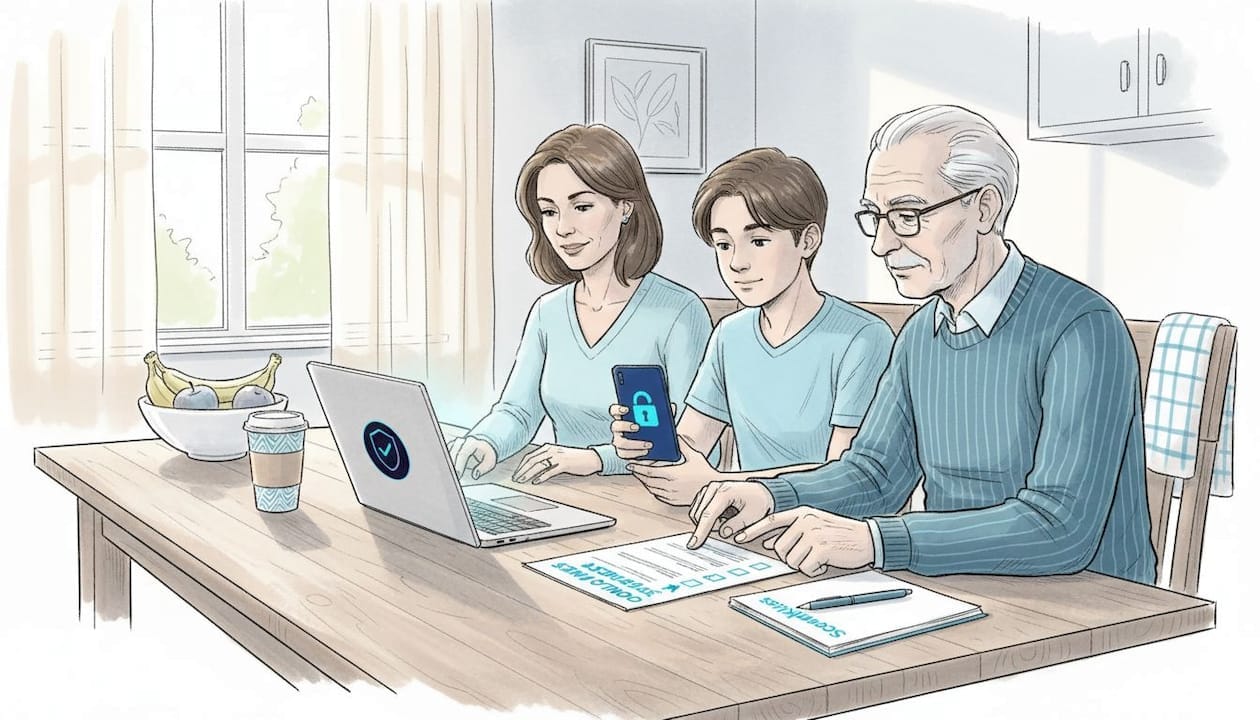
Educate every member of your household. Seniors and children are the most targeted. A grandparent who gets an urgent email saying their Social Security number has been compromised may panic and respond before thinking. A teenager might click a link in a “prize winner” email out of excitement. Practice talking about scam tactics at home, the same way you discuss stranger danger or road safety.
Pro Tip: Before responding to any email that asks for information or action, pause for 60 seconds. Ask yourself: did I expect this message? Would this company really contact me this way? That pause alone stops a large percentage of successful scams.
Checking suspicious links is a habit every person in your household can build quickly, even without technical knowledge.
Step-by-step: How to detect a scam email in minutes
With tools in place, here is how to put them to use the moment a suspicious email lands in your inbox. Follow these steps in order.
-
Check the sender’s name and full email address. Scammers often use a display name like “PayPal Support” but hide a fraudulent address underneath. Click or tap on the sender’s name to reveal the actual address. A legitimate PayPal email will always come from a paypal.com domain, not paypa1.com or support-paypal.webmail.net.
-
Hover over every link before you click. On a desktop, hovering your mouse over a link shows the real URL in the bottom corner of your browser. On mobile, long-press the link to see where it leads. Verify the URL destination before clicking. If the displayed text says “Click here to verify your account” but the URL goes to a random website, that is a scam.
-
Inspect the language for urgency and threats. Phrases like “Your account will be suspended in 24 hours,” “Act now to avoid penalties,” or “Immediate action required” are pressure tactics. Legitimate senders rarely use urgency or threats to demand immediate action. Real banks and real companies give you reasonable time and multiple ways to verify.
-
Check email authentication headers. This step is more technical, but it matters. Most email clients let you view the full email headers. Look for failed SPF, DKIM, or DMARC authentication, which means the email did not come from the server it claims to. Authentication failures like these are a strong signal that something is wrong.
-
Never share personal or financial information via email. This one is non-negotiable. No legitimate organization will ask for your password, Social Security number, or banking details by email. If you receive that kind of request, assume it is a scam until proven otherwise.
-
If you are still unsure, verify independently. Do not use any contact information inside the suspicious email. Go directly to the company’s official website by typing the address yourself, or call the number printed on your card or statement.
“When in doubt, do not click. Close the email, open a new browser window, and go directly to the company’s official website.”
See real phishing examples to understand what these steps look like in practice. You can also review how to identify fake emails with side-by-side comparisons of real versus fraudulent messages.
Pro Tip: Save the official phone numbers for your bank, utility providers, and internet service in your contacts. That way, when a suspicious email arrives, you can verify it in under two minutes without hunting for information.
Shields up: Common red flags and new tricks to watch for in 2026
While following the detection steps, staying alert for these fast-evolving red flags is critical. Scammers update their tactics constantly, and some of the newest tricks are catching people completely off guard.
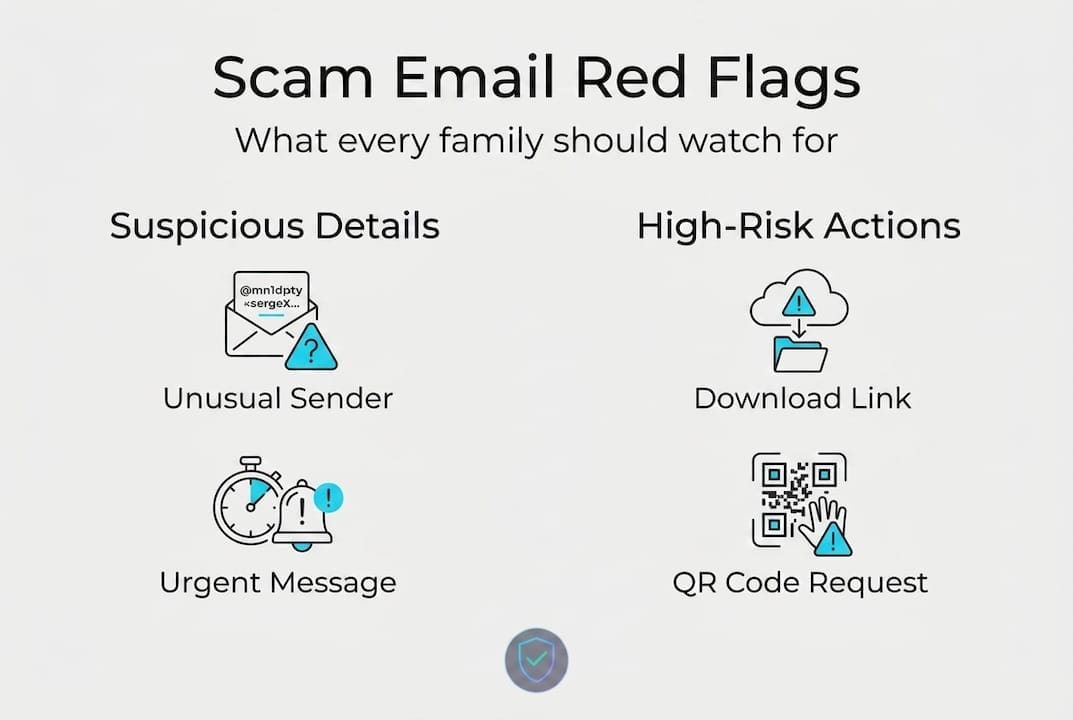
Watch out for QR codes in emails. If an email from your “bank” or a “delivery company” includes a QR code and asks you to scan it to complete an action, stop. Quishing attacks bypass link filters because filters cannot always analyze what a QR code contains. Legitimate companies rarely need you to scan a QR code through an email to manage your account. Get the full picture on QR code quishing details before you scan anything unexpected.
Fake sender names that copy trusted contacts. A scammer might create an email address like support@apple-services.com and display it as “Apple Support.” At a glance, it looks fine. Only when you expand the sender details does the fake domain reveal itself. Always expand it.
Dangerous attachment types to avoid:
- Files ending in .exe, .zip, .docm, .xlsm, or .js
- Documents that ask you to “Enable Macros” or “Enable Editing” when you open them
- Zipped files from unexpected senders that require a password to open
Avoid unexpected attachments, especially those with unusual extensions. If you did not request a file and were not told in advance it was coming, verify with the sender using a different method before opening it.
Callback scams and voicemail lures are surging. These scams send an email telling you that you have been charged for something (often a tech subscription or Amazon order). The email provides a phone number to call if you want to dispute it. When you call, a scammer answers and walks you through steps that ultimately give them access to your accounts or your money. AI voice cloning scam warnings explain how these attacks are escalating in 2026.
Generic greetings hiding in plain sight. Even with AI improvements, some scam emails still open with “Dear Customer” or “Hello User.” Real companies almost always use your actual name. When the greeting is vague, treat it as a yellow flag.
Mismatched branding details. Slightly off logos, wrong fonts, or colors that are not quite right. These are subtle but real clues. If something feels visually off, trust that instinct and verify before you act.
A reality check: What most email scam guides get wrong
Most guides tell you to look for bad spelling and grammar. That advice made sense five years ago. Today, it gives people false confidence.
AI generates emails with perfect English, natural phrasing, and zero red flags in the writing itself. Telling your grandmother to “look for typos” in 2026 is like telling her to check if a scammer is wearing a name tag. The real detection work focuses on mechanics, not content: verify the sender domain, inspect the link destination, and check authentication headers.
The second thing most guides get wrong is treating scam detection as an individual skill. It is not. It is a household skill. The weakest link in your family’s security is the person least informed about how scams work. One click from one family member can compromise a shared email account, a linked bank account, or a home network.
Teaching your kids and your parents the mechanics, not just the warning signs, is what actually changes outcomes. Show them what real phishing looks like with real examples side by side. Practice together. Make it a regular conversation, not a one-time lecture.
Digital skepticism is a skill like any other. It gets sharper with practice and it protects everyone, not just the person who learned it.
Take the next step with ScamKit’s scam detection tools
Knowing what to look for is powerful. Having a tool that does the heavy lifting in seconds makes protection even easier.
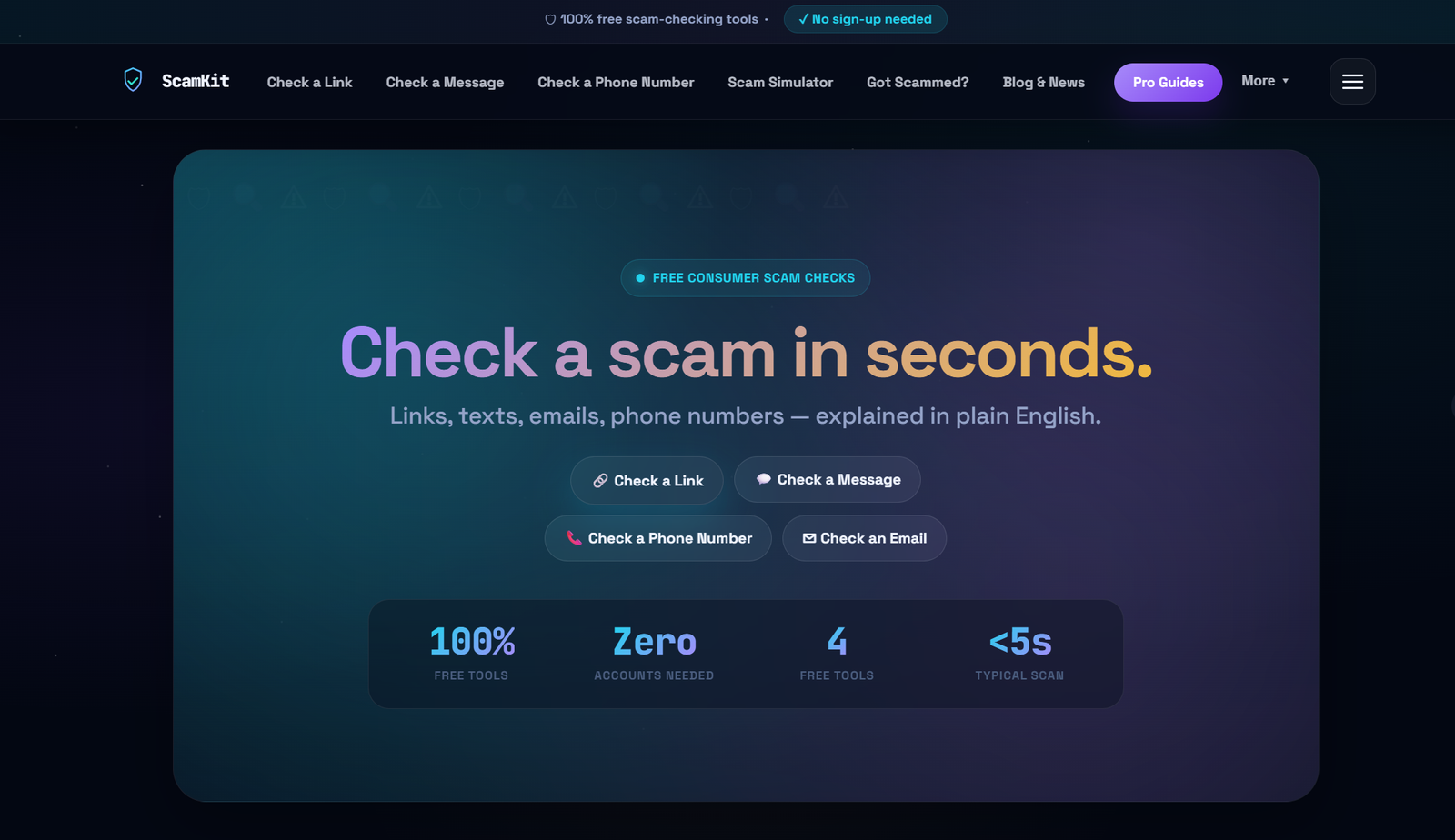
ScamKit offers free, instant tools built for everyday people, no sign-up required. You can check suspicious links before clicking them, running any URL through the analyzer to get an immediate risk assessment. You can also scan email headers to check for authentication failures that reveal fake senders. Whether you are protecting your own inbox or helping a parent stay safe, ScamKit gives you real answers in seconds. For families and small organizations ready to take a proactive cybersecurity approach, ScamKit’s tools, guides, and simulations make it simple to stay ahead of scammers without needing any technical background.
Frequently asked questions
What’s the easiest way to spot a scam email?
Check the full sender email address for anything that looks slightly off, and verify link destinations by hovering before you click. Those two steps catch the majority of phishing attempts.
Is it safe to open attachments from emails I was not expecting?
No. Avoid opening unexpected attachments until you have confirmed their legitimacy with the sender through a separate, trusted channel like a phone call.
How can I verify if an email is really from my bank or service provider?
Contact your bank directly using the phone number on your card or the official website, never using links or phone numbers provided inside the suspicious email.
What is quishing and why is it dangerous?
Quishing embeds a malicious link inside a QR code, allowing scammers to bypass email filters that normally detect and block harmful URLs. Scanning an unexpected QR code in an email carries real risk.
What should my family do if someone clicks a scam link?
Disconnect from the internet immediately, run a full antivirus scan, change passwords starting with email and banking accounts, and report the incident to your email provider and your financial institution right away.