Fake Job Offer Email Examples That Reveal Scam Red Flags
You open your inbox and find an unsolicited job offer. The pay is great, the company name sounds familiar, and the email looks professional. But something feels slightly off. Fake job offer emails, known more formally as employment phishing scams, are getting harder to spot and easier to fall for. This article walks you through real job scam email samples, the red flags hiding in plain sight, and exactly what to do when one lands in your inbox. By the end, you will know how to identify a fake job offer email before it costs you money, your identity, or both.
Table of Contents
- Key Takeaways
- 1. Fake job offer email examples and what makes them dangerous
- 2. Key red flags hiding in most scam emails
- 3. Real-world fake job offer email examples, broken down
- 4. Side-by-side comparison of common scam email types
- 5. Protecting yourself: what to do when a suspicious email arrives
- My take: why job scams are getting harder to spot
- Verify before you engage with ScamKit’s free tools
- FAQ
Key Takeaways
| Point | Details |
|---|---|
| Domain over design | Always check the sender’s email domain, not the logo or formatting, to verify legitimacy. |
| Early ID requests are suspicious | Legitimate employers never ask for photos of ID documents before a formal offer is accepted. |
| No real employer asks for money | If any step in hiring involves sending funds or gift cards, stop all contact immediately. |
| Polish does not equal legitimacy | Scammers invest in professional-looking documents while hiding the fraud in technical details. |
| Verify before you engage | Search the company’s official careers page and call their listed number before replying to any offer. |
1. Fake job offer email examples and what makes them dangerous
Before you can spot a scam, you need to understand what you are actually looking at. The term “employment phishing” describes fraudulent job offers designed to harvest your personal data, your money, or both. These emails are not random. Scammers research real companies, copy their branding, and craft messages that mirror what a genuine HR email might look like.
The danger is not just financial. Victims report emotional distress, wasted time during already stressful job searches, and in some cases, identity theft that takes years to resolve. Knowing these fake job offer email examples by pattern is your best protection.
2. Key red flags hiding in most scam emails
Most fraudulent job offers share a predictable set of warning signs. Learning to recognize them turns a confusing situation into a clear one.
- Sender email address: Free email providers like Gmail or Yahoo are a major red flag. Authentic companies use their own domain, such as @microsoft.com, not @gmail.com.
- Vague job duties: The role description is broad, uses generic phrases, and avoids specifics. “Online assessor” or “home-based data entry” with no real context is common.
- Too-good-to-be-true compensation: High hourly pay for minimal work, with no interview and no experience required, signals a setup.
- Urgency pressure: Phrases like “respond within 24 hours” or “this offer expires soon” push you to act before you think.
- Early requests for personal details: Any ask for your Social Security number, bank account, or ID photos before a formal signed offer is a serious warning sign.
- Suspicious links or portals: Signing links that do not route to the company’s official website, especially short URLs or unfamiliar domains, should be treated with caution.
Pro Tip: Before replying to any unsolicited offer, paste the sender’s email domain into your browser and compare it to the company’s official website domain. Even one letter off is too much.
3. Real-world fake job offer email examples, broken down
Here are four concrete fake job offer email examples that illustrate how these scams actually operate. Each one reflects a distinct tactic.
Example 1: The fake recruiter from a free email address
You receive an email from “Sarah Mitchell” at "jobs.recruiter24@gmail.com`, claiming to represent a well-known tech company. The subject line reads “PART-TIME JOB OPPORTUNITY!” The message offers a remote “online content reviewer” position paying $35 per hour, requires no experience, and asks you to reply with your interest to receive the offer letter.

This is a textbook example. No real company recruiter operates from a Gmail address. The subject line pattern, with exaggerated capitalization and vague role title, matches phishing email patterns documented across university security departments.
Example 2: The “YES” reply trap
This one is simpler and more sinister. You get a short message asking if you are interested in a remote opportunity. All you need to do is reply “YES” or “INTERESTED” to get details. The moment you reply, scammers mark you as an active, responsive target. The follow-up message introduces a fake task-based job, then eventually asks you to deposit a check and wire back a portion of the funds.
Fake-check schemes like this are among the most common late-stage tactics. The check clears initially, you send the money, and then the check bounces. You are liable for the full amount.
Warning: If you ever receive an unsolicited job email that only asks for a “YES” reply with no job description, company name, or contact details, do not respond. Engagement alone can escalate to financial harm.
Example 3: Identity document harvesting
This type is particularly dangerous because it starts with a process that feels legitimate. You apply for a job on a real job board. A few days later, “HR” emails you requesting both sides of your government-issued ID, along with your address and phone number, to “complete your profile for onboarding.”
Scammers impersonating HR staff use these documents for identity fraud, opening accounts in your name or selling your data on criminal networks. The key detail: legitimate employers request ID verification after a written offer is signed, not during early screening.
Example 4: The polished offer letter with a bad link
This scam looks the most official. You receive a formatted PDF offer letter on what appears to be company letterhead, complete with a logo, HR signature, and salary breakdown. But the sender’s domain is hr-[companyname]-careers.net instead of [companyname].com, and the DocuSign link points to an unfamiliar third-party portal.
Polished documents can mask scam intent entirely. The fraud is hidden in the domain name and the signing portal, not in the formatting. This is why looking past the visual presentation to the technical details matters.
4. Side-by-side comparison of common scam email types
This table lets you quickly cross-reference the warning signs from the examples above.
| Scam type | Sender domain | Urgency cues | Financial request | ID request | Biggest red flag |
|---|---|---|---|---|---|
| Fake recruiter email | Free (Gmail/Yahoo) | “Reply to apply” | After engagement | None initially | Gmail domain for a major company |
| “YES” reply trap | Varies or hidden | Immediate reply needed | Fake check or wire transfer | Sometimes | Single-word reply triggers scam |
| ID document harvest | Spoofed company domain | “Complete onboarding now” | None directly | Yes, early in process | ID photos before any offer is signed |
| Fake offer letter | Near-match domain | “Sign by [date]” | Indirect via portal | Embedded in form | Signing portal not on official site |
Pro Tip: The most consistent red flag across all scam types is the sender’s email domain. Check it first, every time, before reading anything else in the message.
5. Protecting yourself: what to do when a suspicious email arrives
Knowing what these scams look like is only half the work. Here is what to actually do when one shows up.
-
Check the sender’s domain immediately. Go directly to the company’s official website and compare the domain. Even
amazon-jobs.comis not the same asamazon.com. Spoofed email addresses are designed to look close enough to pass a quick glance. -
Search the company’s official careers page. If the role was never posted publicly, or the listing has already been removed, that is a strong signal. Do not assume the email is the only way to apply.
-
Never send money, gift cards, or banking information. Legitimate employers never ask for payment of any kind during the hiring process. No exceptions.
-
Analyze suspicious links before clicking. Copy the URL and paste it into a trusted link checker before opening it. A link that redirects you to a site unrelated to the company is a clear scam indicator.
-
Check the email headers. Email header analysis reveals the actual sending server, which often exposes spoofing even when the display name looks correct. Tools that analyze email headers can do this in seconds.
-
Report and document everything. Forward scam emails to reportphishing@apwg.org or the FTC at reportfraud.ftc.gov. Keep a copy of the original email for reference in case of follow-up fraud. Learning how to recognize scam emails more broadly also helps you protect yourself from overlapping threats like phishing and invoice fraud.
Pro Tip: If you already responded to a suspicious offer but have not sent money or documents yet, stop all contact now. You are not obligated to continue, and disengaging early limits your exposure.
My take: why job scams are getting harder to spot
I have reviewed hundreds of scam emails over the years, and the shift I keep seeing is how much better the presentation has gotten. Five years ago, you could catch a fake job offer by the typos alone. Today, scammers copy real job descriptions word for word, replicate legitimate company logos, and write emails that read exactly like HR correspondence.
What has not improved, thankfully, is their domain hygiene. The one place scammers consistently slip up is in the email address itself. They cannot use the real company domain, so they improvise with near-matches or free providers. In my experience, checking the sender’s domain catches more scams in less time than reading the entire email ever will.
The other thing I would push back on is the idea that only careless people fall for these. I have seen sharp, experienced professionals get fooled by a well-timed offer during a stressful job search. The behavioral pivot from “here is your offer” to “now send us money or your ID” is the real trigger to act on, regardless of how polished everything looked up to that point.
Build a small habit: check the domain, verify on the official site, and understand how job scams work before you engage. That habit, done consistently, is more reliable than any instinct about whether an email “feels right.”
. Isaiah
Verify before you engage with ScamKit’s free tools
If you have already received an email that made you pause, you do not have to guess.
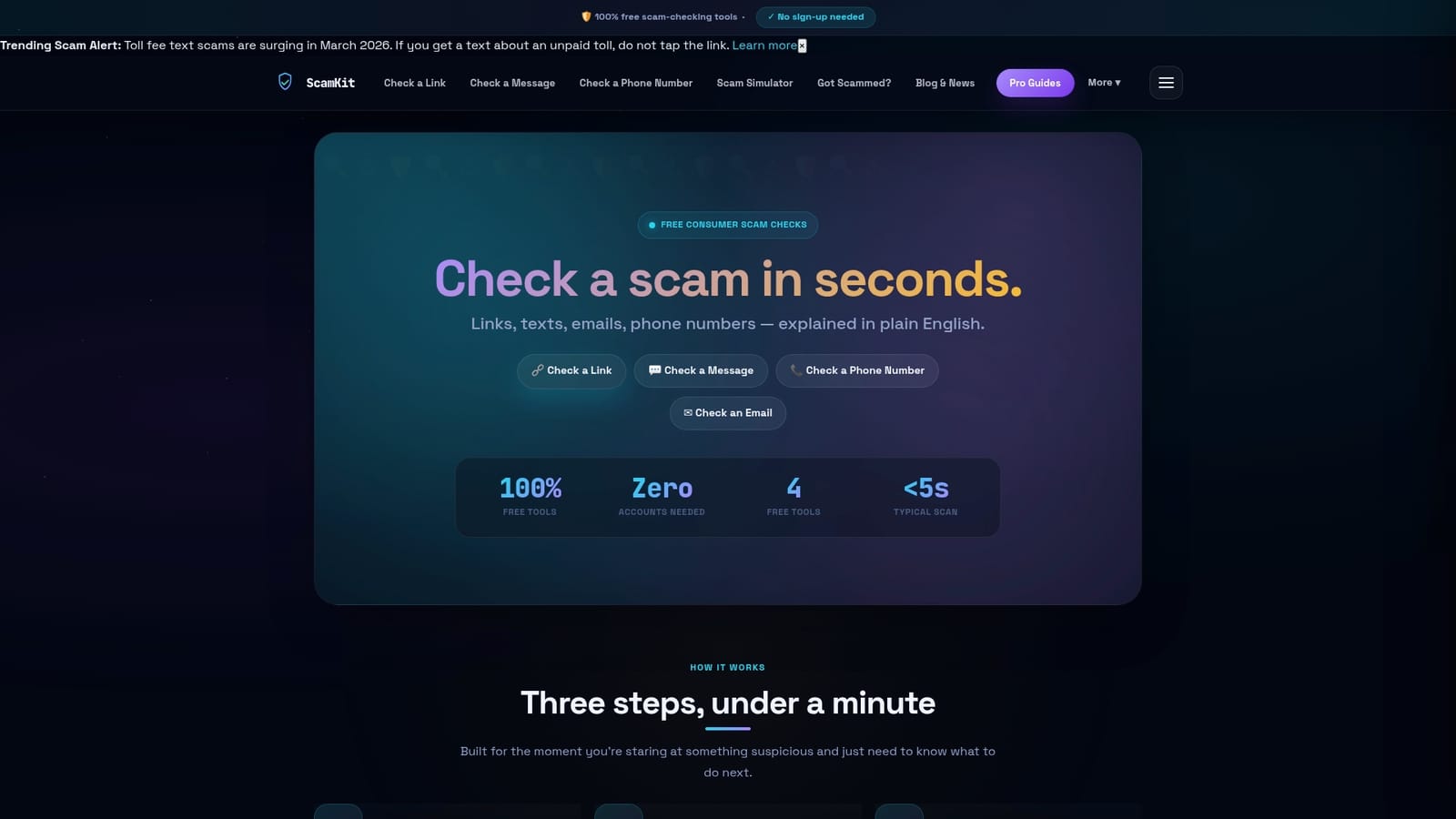
Scamkit offers free tools built specifically for situations like this. The email header analyzer lets you paste in raw email header data and immediately see whether the sender’s domain matches what it claims to be, flagging spoofed senders in plain English. If the email includes a link to a job portal or signing document, the free link checker cross-references it against multiple threat databases including Google Safe Browsing and AbuseIPDB. No account required, no waiting. You get a clear verdict and suggested next steps in seconds. For a broader assessment of any suspicious message, phone number, or URL connected to a job offer, the main scam detection tool on Scamkit covers all of it in one place. When you are job hunting, fast and free verification is the kind of protection that actually fits your workflow.
FAQ
What is a fake job offer scam?
A fake job offer scam is a fraudulent email or message designed to trick job seekers into providing money, personal documents, or banking details under the pretense of a real employment opportunity.
How do I identify a fake job offer email?
Check the sender’s email domain first. If it uses a free provider like Gmail or a near-match domain instead of the official company domain, treat it as suspicious regardless of how professional the content looks.
Do fake job offer emails always ask for money?
Not always upfront. Many start by asking for a reply or basic information, then escalate to financial requests like fake check deposits or wire transfers once you have engaged.
Is it safe to click links in unsolicited job offer emails?
No. Paste any link into a trusted URL checker before clicking. Links in fraudulent job emails often lead to phishing sites or fake signing portals designed to harvest your data.
What should I do if I already responded to a scam email?
Stop contact immediately, do not send any documents or money, and report the email to the FTC at reportfraud.ftc.gov. If you shared financial details, contact your bank right away.