Scam scanners: protect privacy and avoid costly traps
TL;DR:
- Scams now use AI and AI-generated content to appear more convincing and sophisticated.
- Scam scanners analyze links, messages, and websites to detect threats before interactions occur.
- Using scam scanners alongside awareness and security habits provides stronger household protection.
Chances are, you’ve already been targeted by a scam this year and didn’t realize it. 73% of US adults report experiencing scam attempts through texts, emails, or calls, which means this isn’t a problem for “other people.” It’s yours, mine, and your family’s. The good news is that scam scanners, tools designed to catch threats before you click or respond, are now accessible to anyone. This guide breaks down why they matter, how they work, and how to use them to protect your household starting today.
Table of Contents
- The evolving threat: Why scams are harder to spot
- What are scam scanners and how do they work?
- Direct benefits of using scam scanners for families
- How to choose and use scam scanners effectively
- Our take: What most guides don’t tell you about scam scanners
- Try scam scanners for proactive protection with ScamKit
- Frequently asked questions
Key Takeaways
| Point | Details |
|---|---|
| Scams are widespread | Nearly three-quarters of US adults are exposed to scams through texts, emails, or calls. |
| Tech-savvy tricks | Modern scams use AI and psychology, making them tough to spot without help. |
| Scam scanners automate safety | These tools catch risky content before you click and help protect your family and finances. |
| Combine tech and awareness | Scam scanners work best when paired with good habits and ongoing education. |
The evolving threat: Why scams are harder to spot
Not long ago, a scam email was easy to identify. Broken English, a suspicious sender address, maybe a request for your bank details from a Nigerian prince. Those days are gone.
Today’s scams are built differently. Fraudsters use AI to write flawless messages that sound like your bank, your boss, or even your family members. They clone real websites pixel by pixel. They time their attacks around events like tax season, natural disasters, or major news stories to catch you off guard. Even AI gets tricked by sophisticated scam content, which tells you a lot about how convincing these attacks have become.
Psychological pressure is a core part of the strategy. Scammers create urgency, fear, or excitement to short-circuit your critical thinking. A message saying “Your account will be suspended in 24 hours” is designed to make you act fast, not think carefully.
“The most dangerous scam is the one that doesn’t look like a scam at all.”
Here are some red flags that used to be reliable but are no longer enough on their own:
- Professional-looking design: Scam sites now look identical to real ones
- No spelling errors: AI-generated messages are grammatically perfect
- Familiar sender names: Spoofed email addresses mimic real contacts
- Logical story: Scam scenarios are researched and believable
- Secure padlock icon: HTTPS doesn’t mean a site is safe anymore
You can see real scam message examples to understand just how polished these attacks look. The tactics behind them are equally sophisticated, and understanding common scam techniques helps you see why personal vigilance alone is no longer a reliable shield. The rise of AI-generated scams has fundamentally changed the threat landscape.
Simple awareness isn’t enough anymore. You need tools that work faster than human instinct.
What are scam scanners and how do they work?
A scam scanner is a digital tool that analyzes links, messages, phone numbers, or files for warning signs of fraud before you interact with them. Think of it as a filter that sits between you and potential danger.
Not all scam scanners are the same. Here’s a quick comparison:
| Tool type | What it does | Best for |
|---|---|---|
| Basic link checkers | Checks URLs against known blacklists | Quick single-link checks |
| Full-featured scam scanners | Analyzes links, messages, AI content, and context | Families and regular users |
| Built-in browser protections | Flags known dangerous sites automatically | Passive, background protection |
Full-featured scanners offer the most value because they combine multiple detection methods. The key features to look for include link scanning, AI-generated content detection, phishing filters, and real-time blacklist databases that update constantly.
Here’s how a typical scam scanner evaluates a suspicious message or link:
- Input received: You paste a link, message, or phone number into the tool
- Blacklist check: The tool instantly compares it against databases of known scam sources
- AI content analysis: It scans the language for manipulation tactics, urgency cues, and deceptive patterns
- Domain inspection: It checks how old the website is, who owns it, and whether it mimics a real brand
- Risk score generated: You get a clear result, usually a risk rating, so you know whether to proceed
With 73% of Americans targeted by scams regularly, having this kind of automated check in your corner is practical, not paranoid. You can learn more about how AI powers scam scanners and explore scam scanner comparisons to find the right fit for your needs.
Pro Tip: Set up a scam scanner as the default link-checking tool on shared family devices. Show kids and older relatives how to paste a suspicious link before clicking. It takes 30 seconds and can prevent serious harm.
Direct benefits of using scam scanners for families
The financial stakes are real. According to FTC 2025 data, Americans lost $15.9 billion to scams, with imposter scams alone accounting for $3.5 billion of that total. That’s not a statistic to scroll past. That’s real money from real families.
Scam scanners help prevent those losses by catching threats before any damage is done. Here’s what consistent use looks like in practice:
- Privacy protection: Scanners flag sites that harvest your personal data before you enter anything
- Safer browsing for kids: Children are less likely to recognize scam tactics, and scanners add a safety net
- Simpler tech support: Instead of explaining every red flag to a less tech-savvy family member, you give them a tool that does the explaining
- Fewer emotional consequences: Falling for a scam causes stress, shame, and anxiety. Prevention is far less painful than recovery
- Faster decisions: You don’t have to spend time second-guessing a message. The scanner tells you what it found
Here’s a side-by-side look at what happens with and without a scam scanner:
| Scenario | With a scam scanner | Relying on education alone |
|---|---|---|
| Suspicious link received | Scanned instantly, risk flagged before click | Depends on user recognizing warning signs |
| Phishing email arrives | AI content detection catches manipulation | User may miss subtle cues under stress |
| New scam tactic emerges | Database updates catch it automatically | User must learn about it after the fact |
| Child encounters scam | Tool blocks or warns before interaction | Child may not know what to look for |
The difference is speed and consistency. Education is valuable, but it has gaps. Scanners fill those gaps automatically. Pair them with scam avoidance best practices and a solid online scam prevention guide for a layered approach that’s hard to beat.

How to choose and use scam scanners effectively
Not every tool is worth your time. Here’s what to look for when evaluating a scam scanner:
User-friendliness: If it takes more than a few seconds to use, most people won’t bother. Look for tools that require no sign-up and give instant results.
AI capabilities: The best scanners use machine learning to detect new and evolving scam patterns, not just known ones.
Regular updates: Scam tactics change weekly. A scanner with a static database becomes outdated fast.
Privacy policy: A good scanner doesn’t store your messages or sell your data. Check this before you commit.
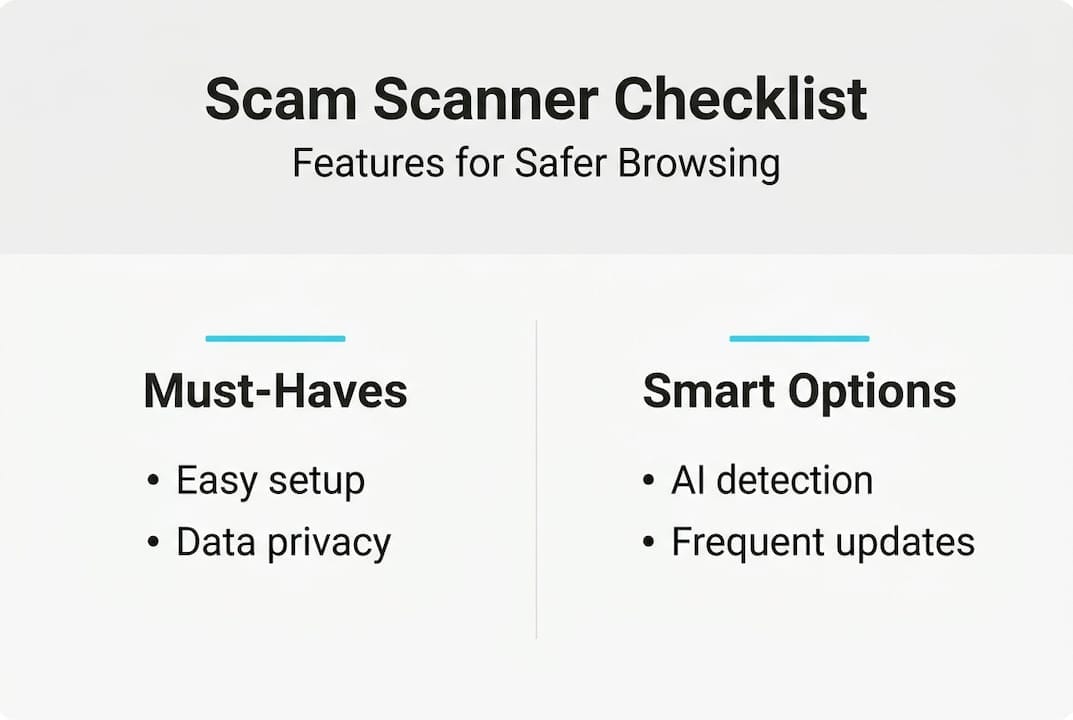
Support and transparency: Reputable tools explain how they work and offer guidance when something is flagged.
Here’s how to safely evaluate a new scam scanner before making it your go-to:
- Test it with known scam links: Use publicly available phishing test URLs to see if the scanner catches them
- Check a legitimate site: Make sure it doesn’t generate false positives on trusted websites
- Read the privacy policy: Confirm no personal data is stored or shared
- Try it on mobile: Most scam attempts happen on phones, so the tool needs to work there too
- Share it with family: Walk through one scan together so everyone knows how to use it
With scam attempts targeting most US adults on a regular basis, the question isn’t whether you need a scanner. It’s which one you’ll use. Following solid digital safety steps and knowing how to read scam alerts will make your scanner even more effective.
Pro Tip: Install your chosen scam scanner on every device in the household, including tablets and older smartphones. Then spend five minutes showing each family member one real example of how it works. That hands-on moment sticks far better than any warning.
Our take: What most guides don’t tell you about scam scanners
Here’s something most articles won’t say: scam scanners are essential, but they’re not magic.
We’ve seen people become overconfident after installing a scanner. They assume anything that passes the check is safe. That’s a dangerous mindset. Scanners catch a lot, but they can miss brand-new scam domains that haven’t been flagged yet, or highly personalized attacks that use your real name and context.
The best protection is a combination. Use a scanner every time you get a suspicious message. But also talk to your family about what scams look like and how they feel. That sense of urgency, the pressure to act now, the too-good-to-be-true offer, those are things a conversation can teach in ways a tool cannot.
We believe building safer habits alongside using good tools is the real answer. A scanner catches what you miss. Your awareness catches what the scanner misses. Together, they cover almost everything.
Don’t treat a scam scanner as a replacement for thinking. Treat it as your first line of defense, not your only one.
Try scam scanners for proactive protection with ScamKit
If you’re ready to stop wondering whether a link is safe and start knowing, ScamKit’s free tools are built exactly for that.
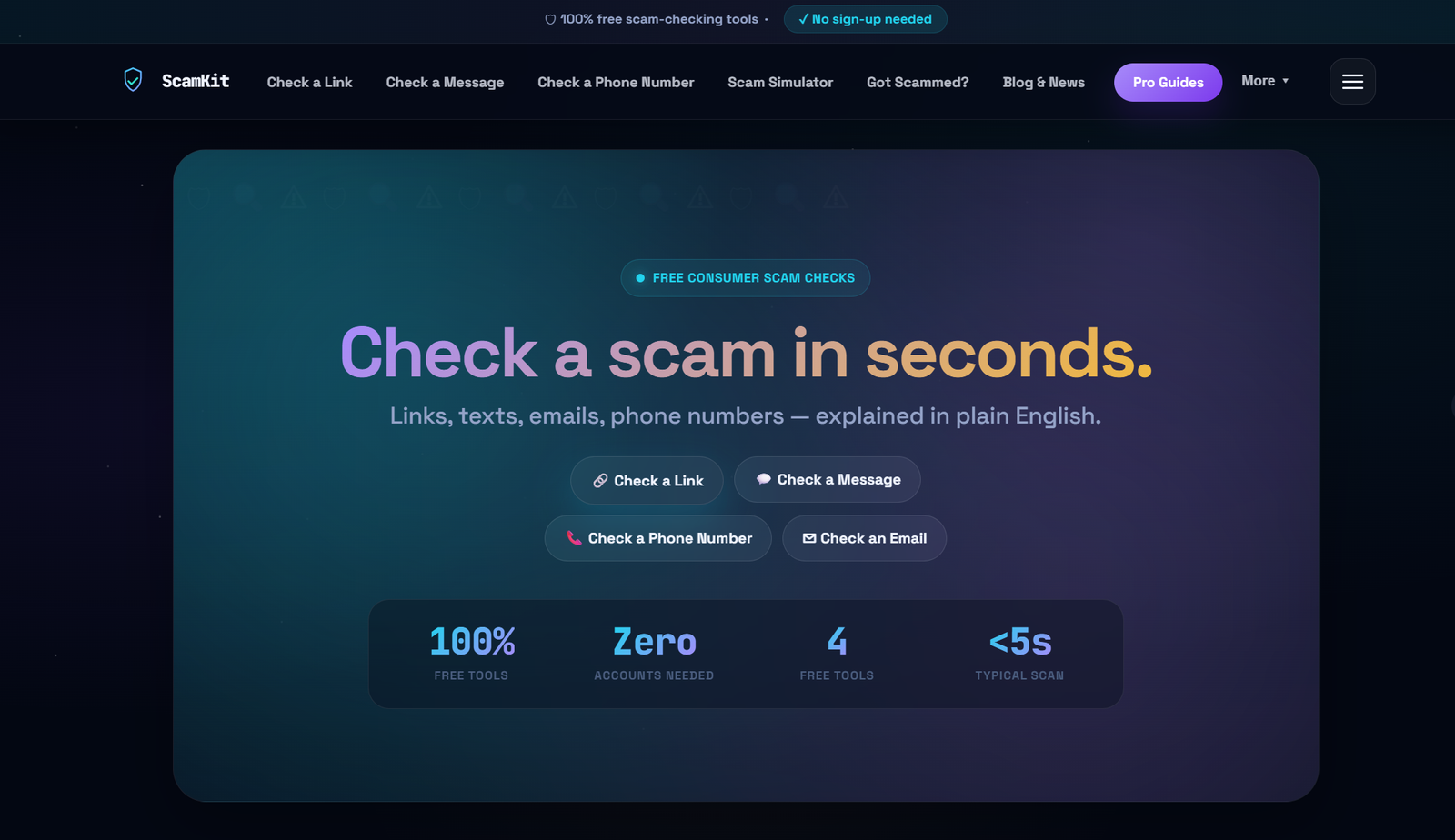
You can scan suspicious links instantly without creating an account or sharing any personal information. If you’ve received multiple questionable messages, you can analyze multiple messages at once using the bulk analysis feature. And if you want to understand the bigger picture of staying safe online, ScamKit’s guide to proactive cybersecurity walks you through what that looks like in practice. No jargon, no sign-up required, just clear answers when you need them most.
Frequently asked questions
What types of scams do scam scanners detect?
Scam scanners detect phishing attempts, fake websites, malicious links, suspicious attachments, and AI-powered scam tactics that are increasingly difficult to spot with the naked eye.
Are scam scanners safe to use?
Yes. Reputable scam scanners analyze your content without storing it or sharing it. Always choose a provider with a clear privacy policy, as most scam attempts happen through channels where your data is already at risk.
Can scam scanners prevent all online scams?
No tool catches everything, but a good scanner dramatically reduces your exposure. Even AI struggles to identify every sophisticated scam, which is why combining scanner use with personal awareness gives you the strongest protection.
Do I need to install scam scanners on every device?
For the best results, yes. Scam attempts reach people across every device they own, so covering phones, tablets, and computers gives your whole household consistent protection.