Understand scam templates: spot, avoid, and stay safe
TL;DR:
- Scam templates are reusable scripts that scammers use to send fraudulent messages at scale. They exploit recognizable patterns like urgency, authority, and trust to deceive victims. Recognizing structural cues such as generic greetings, mismatched domains, and consistent message flow helps in spotting scams effectively.
Text scams cost Americans $470 million in 2024, and that number keeps climbing. Behind most of those losses is something you’ve probably never thought about: a scam template. Scammers don’t write every fake message from scratch. They use pre-built scripts, fake pages, and reusable document layouts to hit thousands of people at once. The good news? Once you understand how these templates work, they become a lot easier to spot. This article walks you through what scam templates are, how they trick people, and exactly what you can do to protect yourself, your family, and your business.
Table of Contents
- What is a scam template?
- How scam templates fool victims: mechanics and patterns
- Recognizing scam templates: practical red flags
- Protecting yourself: prevention tactics for individuals, parents, and small businesses
- The uncomfortable truth about scam templates: structure is the real weakness
- Next steps: tools and resources to help you spot and avoid scam templates
- Frequently asked questions
Key Takeaways
| Point | Details |
|---|---|
| Scam templates explained | A scam template is a reusable script that enables scammers to mass-produce convincing fake messages. |
| Red flags to watch | Generic greetings, urgent requests, and mismatched details are key signs a message is a scam template. |
| Real-world impact | Text scams caused $470M in losses in 2024 and template-driven attacks are rising quickly. |
| Detection and prevention | Focus on structure and context, verify requests, and never click suspicious links to avoid scams. |
| Practical tools | Use email and link analyzer tools, and simulation quizzes, to strengthen your scam detection skills. |
What is a scam template?
A scam template is a pre-designed, reusable structure or script that scammers use to send fraudulent messages at scale. Think of it like a fill-in-the-blank form. The scammer plugs in your name, your bank’s logo, or a fake tracking number, and suddenly the message looks personal and legitimate. It isn’t.
Templates show up in three main forms:
- Phishing emails: Fake messages pretending to be from your bank, a delivery service, or a government agency
- Smishing texts: Short text messages with urgent links, often about packages or account alerts
- Document templates: Fake invoices, contracts, or W-2 forms designed to steal money or information
- Fake login pages: Cloned websites that look real but capture your username and password
- Social media scripts: Copy-paste messages used in romance scams or fake giveaways
Here’s what a typical phishing email template looks like in practice:
“Dear [Customer Name], We have detected unusual activity on your account. Your access will be suspended in 24 hours unless you verify your information immediately. Click here to confirm your details: [LINK]. Thank you, [Bank Name] Security Team.”
Notice the blank fields. The scammer just swaps in real names and logos. The structure stays the same every single time. That’s the power of a template: it lets one person run thousands of attacks with almost no extra effort.
Templates also help scammers stay consistent. A well-crafted template mimics the tone, layout, and language of real companies. That mimicry is what makes them dangerous. Knowing the email scam warning signs is your first line of defense, and following scam avoidance best practices can help you stay ahead of these tactics.
How scam templates fool victims: mechanics and patterns
Now that you know what a scam template is, let’s look at the methods scammers use to craft deceptive messages. Templates work because they exploit predictable human reactions. The most effective ones use a combination of urgency, fear, authority, and trust.
The core mechanics behind scam templates are urgency (act now or lose access), authority (this is your bank or the IRS), and fear (your account is compromised). These emotional triggers short-circuit careful thinking. When you’re scared or rushed, you’re less likely to pause and verify.
Here’s how common scam template types compare to legitimate messages:
| Template type | Scam message signals | Legitimate message signals |
|---|---|---|
| Phishing email | Generic greeting, urgent threat, unknown sender | Your name, no pressure, official domain |
| Smishing text | Suspicious link, package claim, no context | Opt-in confirmation, no link required |
| BEC invoice | Urgent payment change, new bank details | Matches prior records, verifiable contact |
| Fake login page | Slightly wrong URL, asks for full credentials | Correct domain, no unsolicited login prompt |
The FTC reports that smishing losses hit $470 million in 2024, with fake package notifications, job scams, and fraud alerts topping the list. That’s not a coincidence. These are the exact scenarios where urgency feels most believable.
Common scam messages you might recognize:
- “Your package could not be delivered. Click to reschedule.”
- “Unusual sign-in detected. Verify your account now.”
- “Invoice #4892 is overdue. Pay immediately to avoid penalties.”
- “You’ve been selected for a job opportunity. Reply to apply.”
For a closer look at real scam message examples, you can see exactly how these play out. Also, BEC script examples show how business-targeted templates are structured to fool even experienced employees.
Pro Tip: Before you click or reply, check the sender’s email address character by character. Scammers often use domains like “paypa1.com” or “amazon-support.net” that look real at a glance. A phishing template analysis can show you exactly what to look for.
Recognizing scam templates: practical red flags
Knowing the mechanics is helpful, but spotting scam templates before you act is crucial. Here’s a step-by-step approach to identifying them:
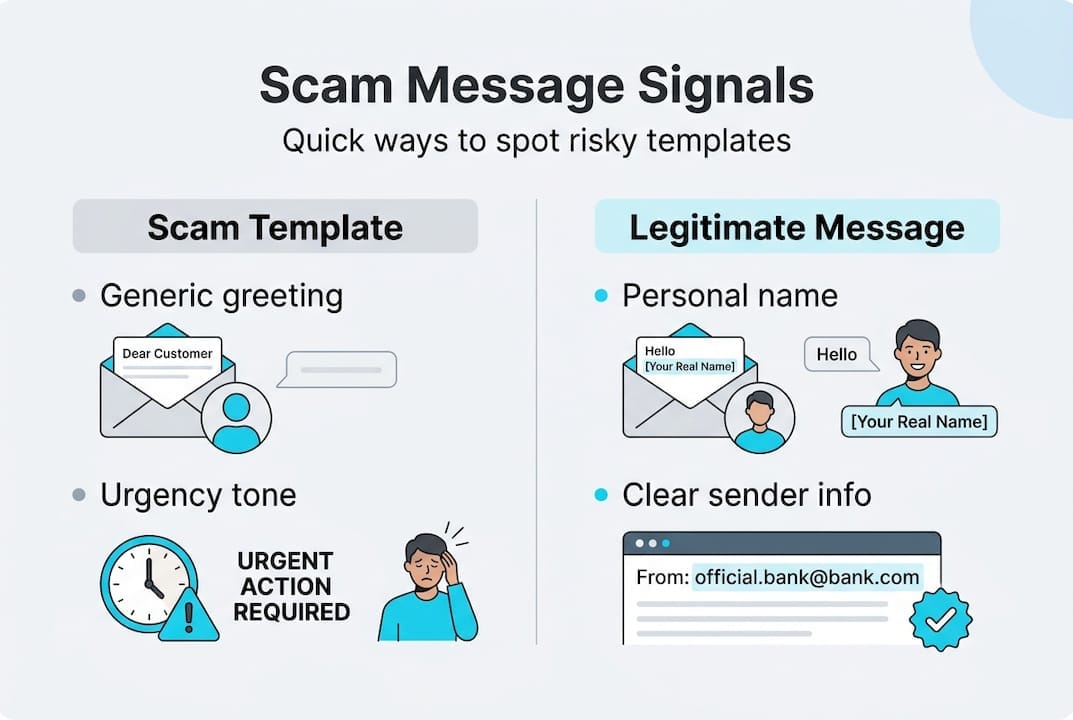
- Check the greeting. Scam templates use “Dear Customer” or “Hello User.” Real companies use your actual name.
- Feel the pressure. Legitimate organizations don’t threaten to close your account in 24 hours. Urgency is almost always a red flag.
- Inspect the sender domain. Look at the full email address, not just the display name. Mismatched domains are a dead giveaway.
- Look for unexpected requests. Did you ask for a password reset? Order a package? If not, be suspicious.
- Hover before you click. Hover over any link to see the actual URL. If it doesn’t match the supposed sender, don’t click.
- Watch for odd formatting. Inconsistent fonts, blurry logos, and strange spacing are signs of a copied template.
Here’s a quick comparison of scam language versus legitimate communication:
| Phrase type | Scam template example | Legitimate example |
|---|---|---|
| Greeting | “Dear Valued Member” | “Hi Sarah” |
| Urgency | “Act within 24 hours or lose access” | “Please review at your convenience” |
| Request | “Verify your SSN to restore access” | “Log in to update your preferences” |
| Sender | “support@amazon-alerts.net” | “support@amazon.com” |
According to phishing template research, the clearest signals are generic greetings, urgent tones, unexpected requests, mismatched sender domains, and prompts to click links or share personal information.
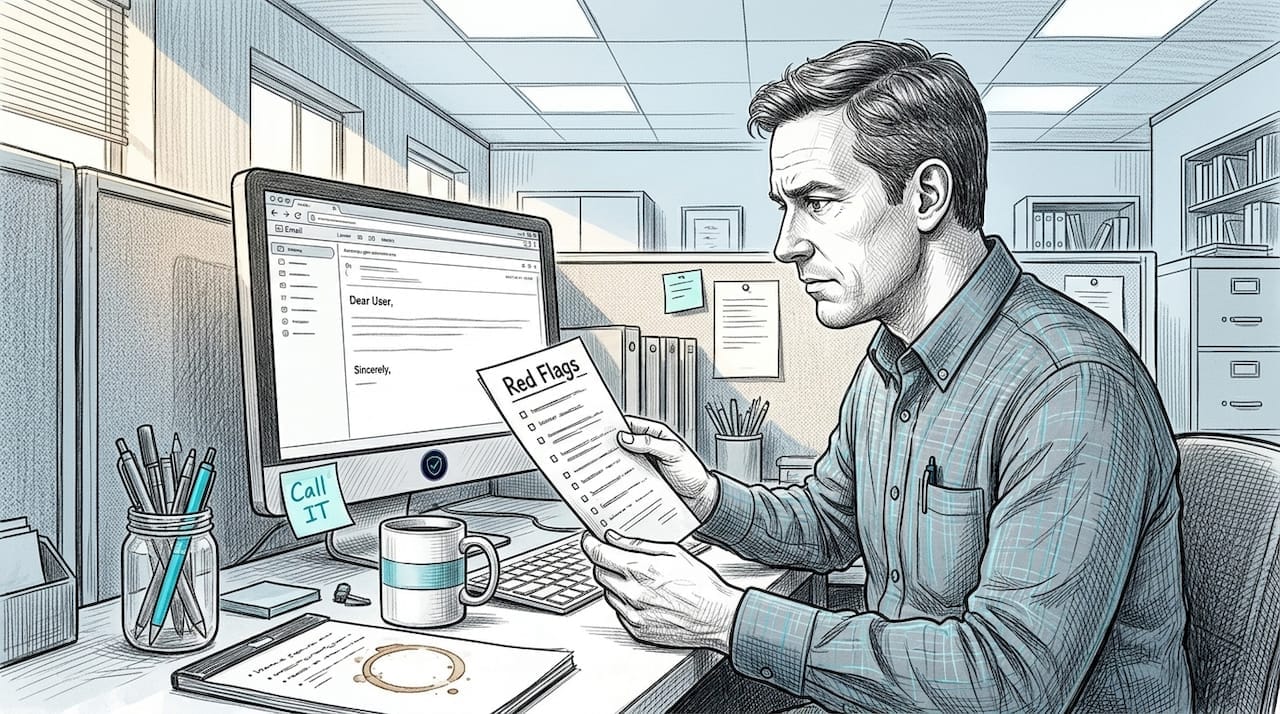
Pro Tip: Structure is more revealing than keywords. Scammers now use AI to swap out trigger words that spam filters catch. But the sequence of a scam message (greeting, threat, link, deadline) stays consistent. Focus on the format and flow, not just specific words. Resources on detecting AI deepfakes can help you understand how AI is changing the game.
Edge cases are real. Advanced phishing scripts use dynamic content that changes per recipient, making them harder to filter. Some even bypass multi-factor authentication. Knowing how to spot fake emails and recognizing scam alert patterns gives you a real advantage here.
Protecting yourself: prevention tactics for individuals, parents, and small businesses
Once you know how to spot scam templates, what’s your best defense? Let’s cover prevention. The FTC recommends a clear set of actions: verify requests independently, never click unsolicited links, use official websites, enable multi-factor authentication (MFA), and report suspected scams.
Here are the core steps everyone should follow:
- Verify before you act. If a message claims to be from your bank, call the number on the back of your card, not the one in the message.
- Never click unsolicited links. Go directly to the official website by typing it into your browser.
- Enable MFA on all accounts. Even if a scammer gets your password, MFA adds a second barrier.
- Use a password manager. It won’t autofill credentials on fake login pages, which is a built-in safety check.
- Report scam texts to 7726. That’s the shortcode for “SPAM” and it helps carriers block scam numbers.
For parents: Talk to your kids about scam templates early. Teens are frequent targets of fake job offers and prize scams. Show them what a scam message looks like and practice identifying the red flags together.
For small business owners: Invoice and vendor update scams are a major threat. A scammer impersonates a vendor and requests a change in payment details. Train your team to always verify payment changes by phone using a known number, never by replying to the email. Establish a two-person approval rule for any new or changed payment instructions.
Pro Tip: Report suspected scams to the FTC at ReportFraud.ftc.gov and forward suspicious texts to 7726. Your report helps protect others. The FTC action plan is a solid reference for next steps after you’ve been targeted. For ongoing protection, follow practical scam avoidance strategies and bookmark phishing email insights as a reference.
The uncomfortable truth about scam templates: structure is the real weakness
Most guides tell you to watch for specific words: “urgent,” “verify,” “click here.” That advice is outdated. Scammers know which words trigger spam filters, and they swap them out constantly. AI-powered template farms now generate dynamic content that looks different every time while keeping the same underlying structure.
Here’s what that means for you: the structure of a scam message is far more stable than its vocabulary. The sequence of greeting, threat, request, and deadline almost never changes. That’s the real fingerprint of a scam template. Train yourself to recognize the pattern, not just the words.
There’s also an ethical side to this worth knowing. Security platforms repurpose real scam templates to build training simulations. That’s how tools like scam simulators teach people to recognize fraud without real risk. Criminals, on the other hand, sell these same templates as “kits” on dark web markets. The template itself is neutral. The intent behind it is what matters.
Focusing on template structure lessons rather than keyword spotting is a smarter, more durable defense. Structure doesn’t lie.
Next steps: tools and resources to help you spot and avoid scam templates
You now have a solid understanding of how scam templates work and how to recognize them. The next step is putting that knowledge into practice with real tools.
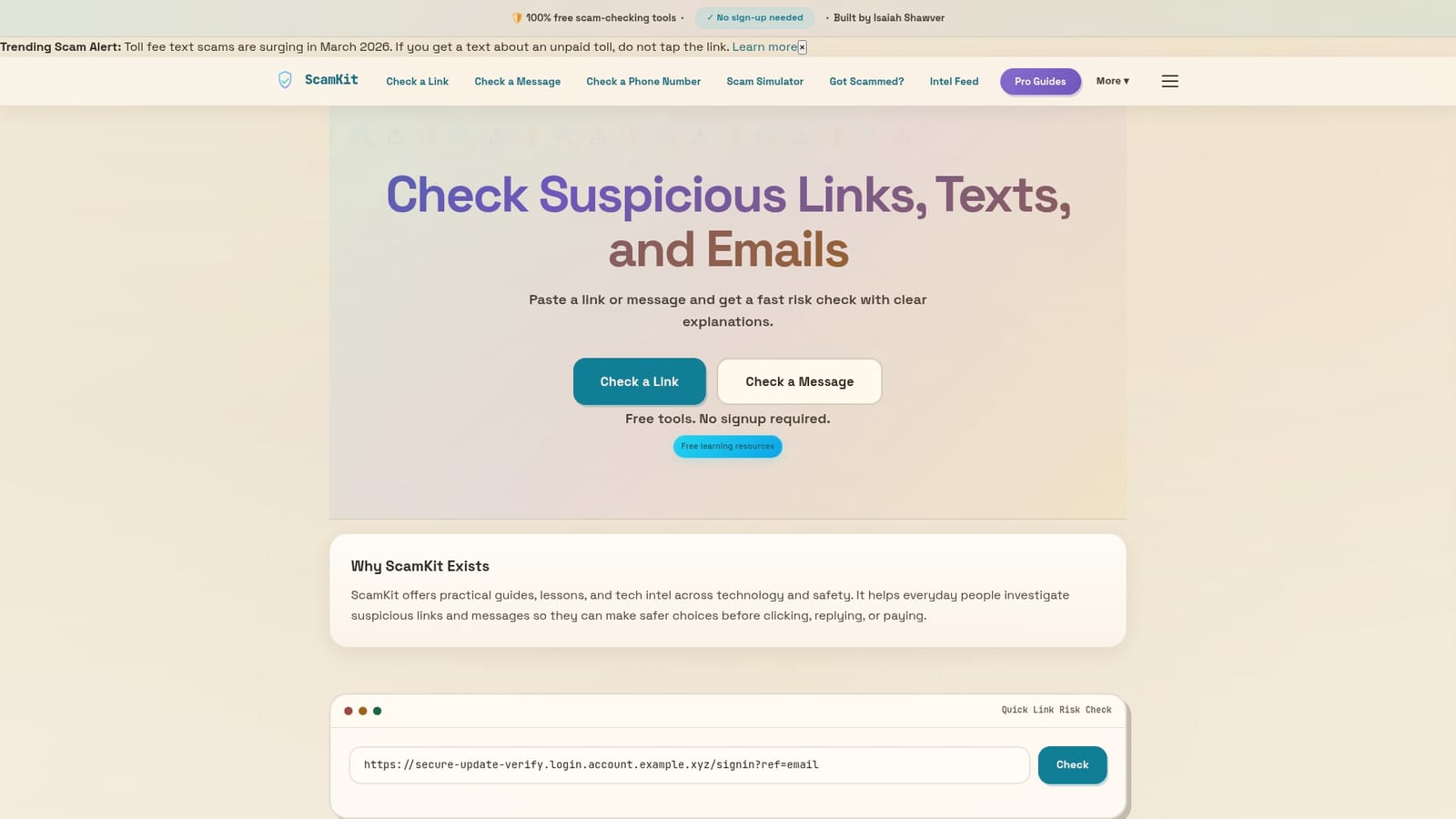
ScamKit gives you free, no-signup tools to do exactly that. You can analyze suspicious email headers to see if a message is hiding something, or check link safety before you click anything. Not sure if you’d fall for a scam? Practice spotting scams with our interactive simulator and find out. If you want to go deeper, the guide on how to detect scam templates walks you through the exact signals to look for. Everything on ScamKit is built for everyday people, no technical background needed.
Frequently asked questions
How can I recognize a scam template in an email or text?
Look for generic greetings, urgent requests, unexpected asks for personal information, mismatched sender domains, and prompts to click suspicious links. These structural signals appear in nearly every scam template.
What should I do if I suspect a message uses a scam template?
Do not click any links or reply. Verify the request independently through official channels and report to the FTC or forward the text to 7726.
Are scam templates always obvious or can they bypass filters and MFA?
Advanced templates use AI and dynamic content to evade filters, and some kits like Tycoon2FA bypass MFA entirely. Never assume a message is safe just because it landed in your inbox.
How can small businesses protect against vendor invoice scams?
Train staff to recognize template-driven fraud, always verify payment changes by phone using a known number, and require multi-step approval for any new payment instructions.
Where can I report a suspected scam template?
Report to the FTC at ReportFraud.ftc.gov or forward scam texts to 7726. Both channels help authorities track and shut down active scam campaigns.