Top 3 mightbeascam.com Alternatives 2026

Spotting online scams quickly without sifting through multiple tools or wrestling with technical jargon remains out of reach for most individuals and families. Many scam detection tools either restrict free features to single feeds, demand paid upgrades for important protections, or require complex setups unsuitable for nontechnical users. This analysis compares user-friendly scam detection tools on workflow speed, privacy approach, and device support so you can choose a solution that fits your household or small business without the usual subscription traps or installation hurdles.
Table of Contents
ScamKit

At a Glance
ScamKit runs a single paste-and-scan that queries Google Safe Browsing, AlienVault OTX, and AbuseIPDB so you get multiple threat feeds in one free check. The vendor advertises results delivered within seconds, a speed claim that helps triage fast decisions.
ScamKit positions those feeds behind simple tools for everyday users rather than security teams. It also encourages community reporting to improve detection over time.
Core Features
- URL scanners, message analyzers, phone lookups, and email header inspectors accept pasted content for immediate review.
- Aggregates findings from multiple trusted sources and returns a plain-English risk score with suggested next steps.
- Includes a scam library, practical guides, and recovery resources covering romance scams, crypto scams, fake job offers, and SIM swap attacks.
- No sign-up or sign-in is required for the main tools, keeping the barrier to checking a suspicious item very low.
Key Differentiator
ScamKit centralizes several reputable threat feeds into a single, user-facing workflow so you do not need to query each source manually. That one-stop integration of trusted sources into a free, no-sign-up interface is the core capability separating it from checklist sites and single-feed scanners.
Pros
- Free and ad-free. You can run checks without creating an account and without ads interrupting the verdict page, which speeds repeat checks.
- Rapid multi-source context. Pulling Google Safe Browsing, AlienVault OTX, and AbuseIPDB together gives more context than any single feed when you need a quick risk estimate.
- Plain-English verdicts and suggested actions. The explanations reduce guesswork for nontechnical people and include direct steps like reporting or isolating a device.
- Educational resources and recovery guides. The scam library walks through common attack types and the recovery steps you should follow after an incident.
- Supports multiple content types. One workflow handles links, messages, phone numbers, and email headers so you do not flip between tools.
Cons
- U.S.-focused phone number analysis only. International phone checks are limited, so phone number lookups outside the United States may return sparse or no data.
Who It’s For
Individuals and small business owners who need fast, low-friction checks before clicking links, calling numbers, or responding to messages. Seniors and nontechnical staff benefit from the plain-English explanations and linked recovery steps.
Unique Value Proposition
A single paste that queries multiple reputable feeds changes how nontechnical people triage risk. Instead of comparing three separate reports, you get a consolidated verdict and direct next steps, which shortens decision time for someone deciding whether to click, call, or report.
That workflow reduces friction for people who do not want to learn threat feed UIs or register for specialized services.
Real World Use Case
You get an unexpected email with a shortened link. Paste the link into ScamKit, review the plain-English risk score and flagged sources, read the recommended actions, and either report the sender or forward the guidance to your IT contact. The site also links recovery steps if the link led to credential exposure.
Website: https://scamkit.com
Rebound AntiScam

At a Glance
Installs in under two minutes and runs AI analysis locally in your Chrome browser to flag scams as they appear. The extension is free and includes a Family Watchtower dashboard that centralizes alerts and monitoring for household members.
Core Features
Rebound AntiScam watches pages and messages in real time and issues instant warnings when it detects suspicious links or social engineering attempts.
- Real-time scam detection and alerts in browser that surface warnings inline before you click.
- Background operation that requires no daily interaction and uses local analysis to keep signals private on your device.
- Family Watchtower dashboard to view alerts across family members and manage protections from one place.
- Fast setup designed to finish in under two minutes so nontechnical users can get protected quickly.
Key Differentiator
The team emphasizes privacy by performing much of the threat analysis on the user device rather than sending everything to a vendor cloud. That local-first approach is combined with an AI detection layer developed by cybersecurity professionals and former government agents, which frames the product as privacy-focused scam protection rather than a telemetry-driven feed.
Pros
- Free to use with full Chrome protection. For budget-conscious households this removes a subscription barrier to basic scam defense.
- Simple onboarding makes it practical to install across multiple family machines in a single afternoon without technical support.
- The privacy posture reduces exposure of browsing data because Rebound favors local analysis over continuous server uploads.
- Family monitoring centralizes alerts so one person can triage suspicious activity for the whole household instead of chasing multiple inboxes.
- Built by a public benefit corporation with security backgrounds, which signals intent and specialized experience rather than a generic consumer app.
Cons
- Currently limited to Chrome as a browser extension, so anyone using Safari, Edge, or Firefox will be left unprotected by this tool.
- Protection focuses on browser-based scams; threats that arrive through native apps or SMS are outside its current scope.
- Several cross-device features and native apps for Mac, iOS, Android, and Windows are listed as upcoming rather than available now.
- No documented integrations with existing endpoint protection or family security suites, which complicates adoption in households that already use managed security tooling.
When It May Not Fit
If you need protection across multiple operating systems right now, this is not the right tool since cross-device clients are forthcoming. Enterprises or families who require central management tied to an existing security stack will find the lack of integrations restrictive. Users who do not run Chrome will need a different solution immediately.
Who It’s For
Tech-savvy individuals and families who prioritize privacy and want simple, browser-level scam alerts without paying a subscription. This fits households comfortable installing browser extensions and delegating a single administrator to monitor the Family Watchtower dashboard.
Real World Use Case
A family installs Rebound AntiScam on each member’s Chrome browser. When a scammy phishing link circulates in a social app, each browser shows an inline alert and the parent sees the event in Family Watchtower, allowing them to intervene before any credentials or money are lost.
Website: https://trustrebound.com
scamy.io
At a Glance
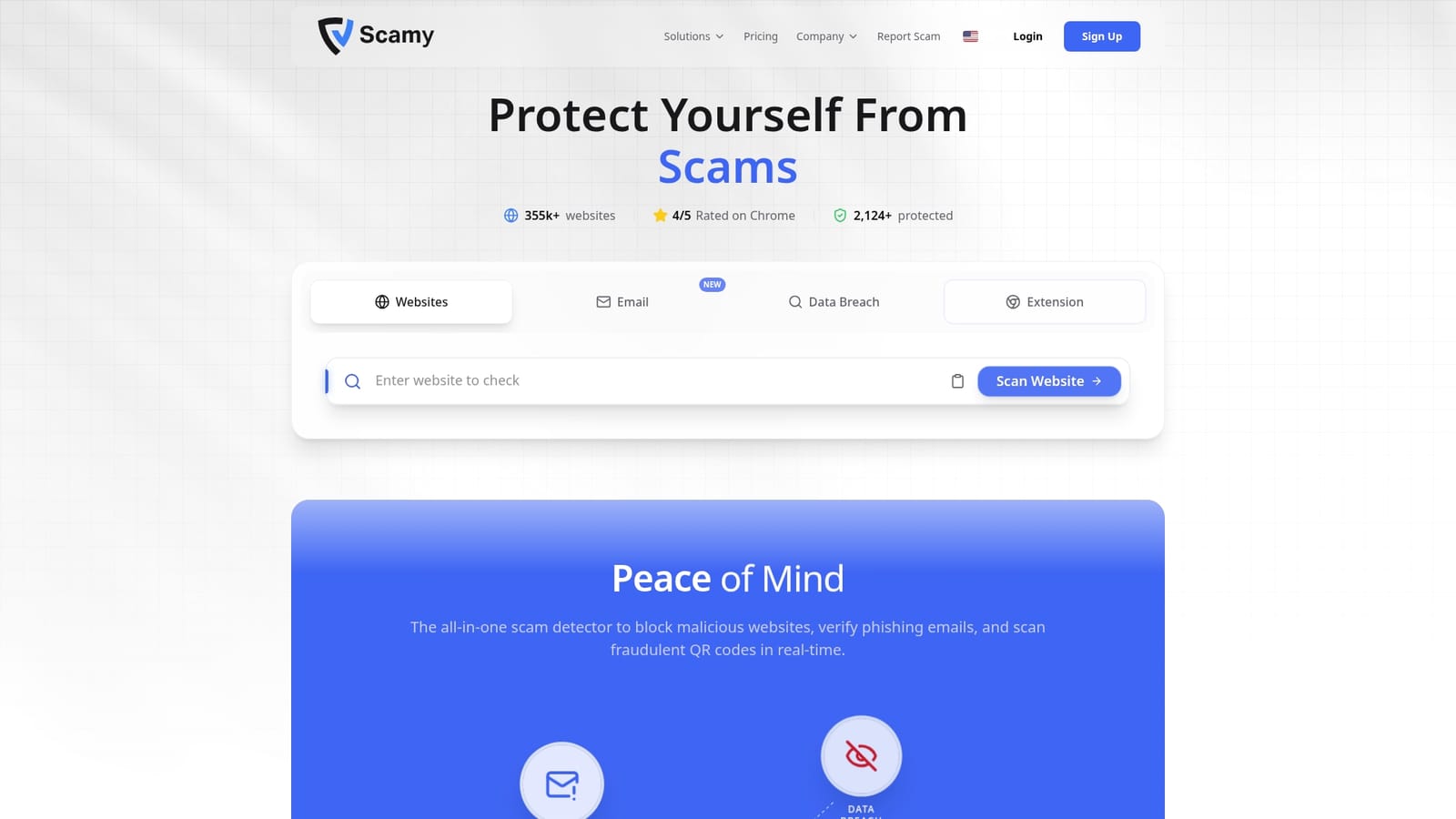
According to the vendor, Pro users receive a guarantee against scam-related losses, a rare promise among consumer security tools. The platform pairs that guarantee with AI-driven checks in the browser and a mobile QR scanner for on-the-spot verification.
Core Features
- AI-powered threat detection that analyzes page content and flags phishing patterns in real time.
- Universal browser extension for Chrome that verifies links, emails, and websites as you browse.
- Mobile app for iOS and Android with QR code scanning and instant link verification.
- Continuous data breach monitoring and a protection dashboard showing breach history and analytics.
Key Differentiator
Real-time AI detection plus a privacy-first stance is the main angle here. The vendor emphasizes local-first processing and minimal telemetry while offering a financial guarantee for Pro subscribers, which frames the product as both preventative and remedial.
Pros
- Chrome users get immediate value. The Chrome extension verifies links and flags suspicious pages before you click, which reduces risky browsing behavior.
- Mobile scanning is fast. The mobile app makes QR and link checks practical for in-person transactions and posters.
- Breach monitoring centralizes leaked credential alerts on a single dashboard so you can see incident history and take action.
- The interface is straightforward. Users report that setup and day-to-day use take minutes rather than hours.
Cons
- The vendor advertises strong AI detection, but the system cannot block every scam with perfect certainty.
- Reliance on AI means false positives and false negatives will occur; you will need secondary checks for high-risk transactions.
- Key protections and the advertised guarantee are tied to the paid Pro plan, so some safety features are behind a subscription wall.
When It May Not Fit
If your organization requires deterministic, certified controls or contractual indemnities beyond a vendor promise, Scamy.io is probably not the right match. Also avoid it if you need offline scanning or environments that forbid browser extensions.
Notable Integrations
- Chrome Web Store extension for desktop verification.
- Mobile apps on iOS and Android for QR and link scanning.
Who It’s For
Tech-savvy individuals, small businesses, and teams that want proactive browsing safeguards without heavy configuration. It suits people who want both on-the-fly link checks and an integrated breach-monitoring view.
Real World Use Case
Install the Chrome extension and the mobile app. A user checks suspicious emails and scans QR codes at a coffee shop, while the dashboard alerts them to a leaked password tied to an old account so they can change credentials quickly.
Pricing
Free basic tier available. Pro is advertised at $7.79 per month when billed annually and adds unlimited email scans, continuous breach monitoring, and priority support.
Website: https://scamy.io
Comparative Analysis
When exploring effective scam detection solutions, it’s important to weigh the strengths and limitations of each option under consideration against the specific needs and context of the users. Here, we analyze ScamKit, Rebound AntiScam, and scamy.io to uncover where each excels and who benefits most from their unique features.
Accessibility and User Entry Requirements
ScamKit maintains an inviting interface by eliminating the need for registration, allowing users to access its capabilities with minimal steps. This approach ensures users can quickly perform checks without complications, catering particularly well to nontechnical and first-time users. On the other hand, Rebound AntiScam excels in accessibility within browser environments but requires Chrome extensions, making its reach somewhat restricted compared to ScamKit’s web-based offerings. scamy.io further narrows entry by tying key features like loss guarantees to its paid Pro plan, effectively creating a cost-related barrier for access.
Protection Scope and Contexts
Where Rebound AntiScam excels is its real-time monitoring and prompt alerts within the browser, preventing suspicious engagements as they arise. Such immediate deterrence benefits users who conduct frequent web activities and wish to preemptively catch risks. ScamKit’s focus on providing consolidated verdicts from multiple feeds makes it a suitable choice for users assessing specific items, such as URLs or emails. Meanwhile, scamy.io’s ability to integrate ongoing breach monitoring might appeal to users with a proactive security mindset looking to continuously oversee personal data exposure.
Best Fit
- ScamKit is perfect for users needing rapid assessments of specific content across multiple threat sources, especially those looking for a no-registration, ad-free environment.
- Rebound AntiScam is advantageous for households seeking centralized browser-based protection and privacy-conscious monitoring for family members.
- scamy.io serves well for individuals who desire continuous credential breach oversight and real-time browsing protection supported by its Pro plan’s features.
Our Pick
ScamKit stands out with its ability to deliver threat-feed integration within a user-friendly workflow. The facility to assess diverse data points (URLs, phone numbers, emails) without requiring prior setup or expenditure makes it particularly suitable for users who prioritize immediate, multifaceted evaluations. However, users heavily focused on ongoing breach monitoring or browser-based interceptions may find scamy.io or Rebound AntiScam better tailored to these requirements. ScamKit thrives where an intuitive, single-query solution is preferred.
Scam Detection Tools Comparison
Choosing the right scam detection tool depends on your specific needs, such as integration ease, feature coverage, and privacy considerations.
| Tool Name | Key Features | Key Differentiator | Best For | Notable Limitation |
|---|---|---|---|---|
| ScamKit | URL scanners, plain-English risk scores, scam library resources | Centralizes multiple threat feeds in a simple workflow | Individuals needing quick, straightforward checks | Limited U.S.-centric phone analysis |
| Rebound AntiScam | Real-time browser-based scam detection, Family Watchtower dashboard | Emphasizes privacy with device-local analysis | Families monitoring centralized scam alerts | Only supports Chrome browser users |
| scamy.io | AI-driven threat analysis, Pro plan guarantee, mobile QR scanning | Financial guarantee for Pro plan users | Individuals wanting financial backup for scams | Paid subscription required for key advanced features |
Protect Yourself with ScamKit as a Top Alternative to mightbeascam.com
If you are searching for reliable mightbeascam.com alternatives that cut through the guesswork when evaluating suspicious links, messages, or phone numbers then ScamKit offers a streamlined solution. ScamKit aggregates trusted threat feeds like Google Safe Browsing and AbuseIPDB into one fast and free tool with no sign-up required. This saves time and delivers clear, plain-English risk scores and actionable next steps.

Don’t let uncertainty or overwhelming technical jargon slow you down. Visit ScamKit to paste any questionable content and get a rapid scam risk assessment. Take control of your online safety by using ScamKit’s free tools designed to help individuals and small businesses confidently stop scams before they take hold.
Frequently Asked Questions
What is the primary feature of Scamkit that differentiates it from other scam detection tools?
Scamkit offers a consolidated workflow that queries multiple trusted threat feeds all at once. This feature allows users to receive a risk score and suggested actions quickly, supporting effective decision-making without needing to consult several different tools. Users can easily check a suspicious item by pasting it into the platform.
How does Scamkit compare to Rebound AntiScam in terms of privacy?
Rebound AntiScam emphasizes a local-first approach that keeps data private by processing most scans directly on the user’s device. In contrast, Scamkit integrates results from multiple online sources, which might expose some data during the scanning process while providing a broader context for potential threats. Users who prioritize device-based privacy might prefer Rebound AntiScam.
Which platforms does Scamkit support for scam detection?
Scamkit mainly operates as an online service accessible through web browsers. Users can paste links, phone numbers, and email headers directly into the platform for evaluation without requiring any installation, which makes it user-friendly for everyone. Individuals seeking multi-format checks without installing software will find Scamkit convenient.
Can Scamkit help users who encounter scams involving international phone numbers?
Scamkit primarily focuses on U.S.-based phone number analysis, which may lead to limited results for international numbers. Users needing to check foreign phone numbers might need to look at alternative tools that specialize in that area. Those primarily checking U.S. sources will find Scamkit effective for their needs.
What kind of support does Scamkit provide after detecting a potential scam?
Scamkit includes educational resources, recovery guides, and a scam library that walk users through common attack types and recovery steps. This support is practical for individuals unfamiliar with how to respond to a scam incident, making it easier for them to take appropriate actions if a threat is detected.